
The Complexity of the AWS Bill
The Amazon Web Services billing system is an engineering marvel designed to meter millions of resources across hundreds of services with millisecond precision. It is also notoriously difficult for humans to parse. An enterprise AWS bill does not resemble a traditional invoice; it is a massive dataset reflecting millions of micro-transactions governed by complex pricing tiers, regional variations, and discount waterfalls.
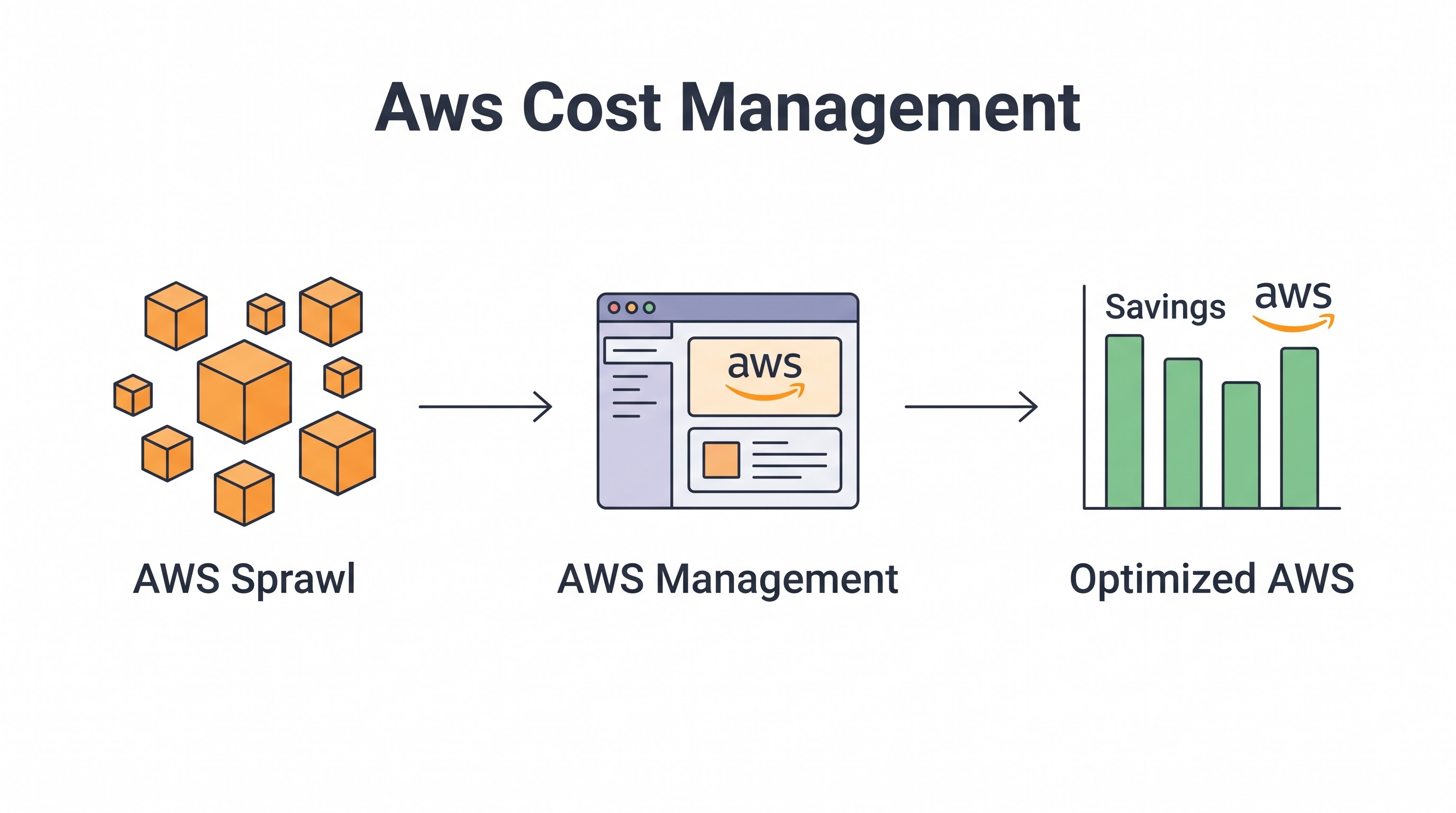
Effective AWS cost management requires moving beyond simply looking at the monthly total in the Billing Dashboard. It requires a systematic approach to visibility, optimization, and governance that treats cost as an engineering constraint equal to performance and reliability. The goal is not just to reduce the bill — it is to maximize the business value derived from every dollar spent on AWS infrastructure.
This guide provides a comprehensive framework for AWS cost management in 2026, bridging the gap between basic native tools and the advanced automated governance required for enterprise-scale deployments.
Mastering Native AWS Cost Tools
AWS provides a robust suite of native cost management tools. Before investing in third-party platforms, organizations must establish a baseline of visibility using these built-in capabilities.
AWS Cost Explorer: The Starting Point
Cost Explorer is the primary interface for visualizing AWS spend. It allows you to filter and group costs by service, region, account, and tags over time. Key Cost Explorer practices:
Saved Reports: Create standardized daily and monthly reports filtered by the
teamandenvironmenttags. This provides immediate visibility into spend anomalies without manual querying.Forecasting: Utilize the built-in forecasting feature to project spend based on historical trends, helping teams stay within budget.
Granularity: Enable hourly and resource-level granularity (which incurs a small fee) for detailed debugging of sudden spend spikes.
Cost and Usage Report (CUR): The Source of Truth
The AWS Cost and Usage Report (CUR) is the foundational dataset for all advanced AWS cost analysis. It contains the most comprehensive set of AWS cost and usage data available, delivered as Parquet or CSV files to an S3 bucket.
For enterprise FinOps, the CUR is indispensable. By querying the CUR using Amazon Athena, teams can build custom dashboards in QuickSight or integrate the data into enterprise BI tools to answer highly specific questions that Cost Explorer cannot handle, such as mapping specific data transfer costs between individual EC2 instances across availability zones.
-- Example Athena query on CUR data: Top 10 most expensive EC2 instances
SELECT
  line_item_resource_id,
  SUM(line_item_unblended_cost) AS cost
FROM
  aws_cur_data
WHERE
  line_item_product_code = 'AmazonEC2'
  AND line_item_usage_type LIKE '%BoxUsage%'
GROUP BY
  line_item_resource_id
ORDER BY
  cost DESC
LIMIT 10;
AWS Budgets and Anomaly Detection
Proactive alerting is critical. AWS Budgets allows you to set custom budgets that alert you when costs exceed (or are forecasted to exceed) your thresholds. More importantly, AWS Cost Anomaly Detection uses machine learning to continuously monitor cost and usage to detect unusual spend. When a developer accidentally leaves a massive EMR cluster running over the weekend, Anomaly Detection catches it before the monthly bill arrives.
AWS Pricing Models and Discount Optimization
Understanding and leveraging AWS pricing models is the fastest path to significant savings.
On-Demand vs. Spot
On-Demand is the default, most expensive pricing model. Spot Instances offer up to 90% discounts on spare EC2 capacity but can be interrupted with a two-minute warning. Workloads that are fault-tolerant, flexible, and stateless — such as CI/CD pipelines, batch processing, and containerized microservices — should aggressively utilize Spot Instances. Refer to the Spot Instance Optimization Guide for architectural patterns that maximize Spot usage.
Savings Plans and Reserved Instances
For stable, predictable workloads, commitment-based discounts are essential. AWS offers Savings Plans (Compute and EC2 Instance) and Reserved Instances (Standard and Convertible). Savings Plans offer significant flexibility over traditional RIs.
The strategy should be layered: commit to a highly conservative baseline (e.g., 60% of current usage) with 3-year Compute Savings Plans for maximum discount and flexibility. Cover the remaining stable usage with 1-year plans. The Reserved Instances and Savings Plans Guide provides a detailed purchasing framework.
AWS Compute Optimization: EC2, Fargate, and Lambda
Compute typically accounts for 50-70% of an AWS bill. Optimization here yields the highest returns.
Rightsizing EC2 Instances
Over-provisioning is rampant. AWS Compute Optimizer analyzes historical utilization metrics to recommend optimal instance types. Crucially, as detailed in the Cloud Rightsizing Guide, decisions must be based on 95th percentile metrics (including memory, which requires the CloudWatch Agent) rather than averages.
Graviton Adoption
Migrating workloads to AWS Graviton (ARM-based) processors is a high-ROI activity. Graviton instances generally provide up to 40% better price-performance over comparable x86-based instances. For managed services like RDS, ElastiCache, and OpenSearch, switching to Graviton is often a simple configuration change with immediate cost benefits.
Serverless and Container Optimization
While Lambda and Fargate abstract infrastructure management, they require careful cost tuning. Over-allocating memory to a Lambda function directly increases its cost per invocation. Tools like AWS Lambda Power Tuning can automatically identify the optimal memory allocation that balances performance and cost. For Fargate, ensure task CPU and memory configurations closely match actual container requirements, and utilize Fargate Spot for interruptible tasks.
S3 and Data Transfer Cost Traps
Storage and networking costs often surprise teams transitioning to AWS.
S3 Lifecycle Management
Storing petabytes of data in S3 Standard pricing is a common mistake. Implement S3 Lifecycle policies to automatically transition older, infrequently accessed data to S3 Standard-IA, Glacier Flexible Retrieval, or Glacier Deep Archive. For data with unknown or changing access patterns, S3 Intelligent-Tiering automatically moves objects between tiers based on actual access, eliminating the operational overhead of manual lifecycle management.
The Data Transfer Trap
AWS data transfer costs are complex. Ingress is generally free, but egress to the internet and cross-region transfer are expensive. Key strategies to mitigate data transfer costs:
Use CloudFront: Serve static assets and frequently accessed S3 data through Amazon CloudFront. Data transfer from AWS origins to CloudFront is free, and CloudFront egress rates are typically lower than standard EC2/S3 egress.
VPC Endpoints: Prevent traffic destined for AWS services (like S3 or DynamoDB) from traversing the internet or costly NAT Gateways by using VPC Endpoints.
Minimize Cross-AZ Traffic: Architect applications to keep communication within the same Availability Zone where possible, as cross-AZ data transfer incurs charges.
AWS Tagging and SCP Enforcement
Without a robust tagging strategy, cost allocation and accountability are impossible. A Cloud Tagging Strategy is the foundation of FinOps.
In AWS, enforcing tagging is best achieved using Service Control Policies (SCPs) within AWS Organizations. An SCP can be configured to deny the creation of supported resources (like EC2 instances or EBS volumes) unless specific tags (e.g., CostCenter, Environment, Team) are present.
-- Example SCP to enforce 'Team' tag on EC2
{
  "Version": "2012-10-17",
  "Statement": [
    {
      "Sid": "RequireTeamTag",
      "Effect": "Deny",
      "Action": [
        "ec2:RunInstances"
      ],
      "Resource": "arn:aws:ec2:*:*:instance/*",
      "Condition": {
        "Null": {
          "aws:RequestTag/Team": "true"
        }
      }
    }
  ]
}
Automating AWS Cost Governance
Manual cost reviews do not scale in dynamic AWS environments. Automation is required to maintain cost efficiency over time.
Automated Resource Scheduling: Use AWS Instance Scheduler to automatically start and stop non-production EC2 and RDS instances outside of business hours, saving up to 70% on those resources.
Automated Cleanup: Implement AWS Systems Manager Automation or custom Lambda functions to automatically delete unattached EBS volumes, aged snapshots, and idle Elastic IPs.
Infrastructure as Code (IaC): Embed cost estimation into CI/CD pipelines using tools like Infracost to provide developers with immediate feedback on the financial impact of their Terraform or CloudFormation changes before deployment.
Enhancing AWS with Third-Party Platforms
While native AWS tools are powerful, managing costs across a complex organizational structure—especially in multi-cloud environments—often exceeds their capabilities. This is where dedicated FinOps platforms excel.
A platform like CloudAtler ingests AWS CUR data alongside data from Azure and GCP, providing a unified pane of glass. It abstracts the complexity of AWS billing, offering advanced forecasting, automated rightsizing recommendations tailored to your specific risk profile, and automated commitment management to ensure Savings Plans are optimally utilized.
Key Takeaway
Effective AWS cost management is a continuous engineering discipline, not a monthly accounting exercise. Start by gaining granular visibility through Cost Explorer and the CUR. Implement foundational governance with SCP-enforced tagging and anomaly detection. Optimize heavily by rightsizing compute, leveraging Graviton, intelligently tiering storage, and utilizing Savings Plans. Finally, automate cleanup and scheduling to ensure the environment remains efficient as it scales.
All in One Place
Atler Pilot decodes your cloud spend story by bringing monitoring, automation, and intelligent insights together for faster and better cloud operations.