
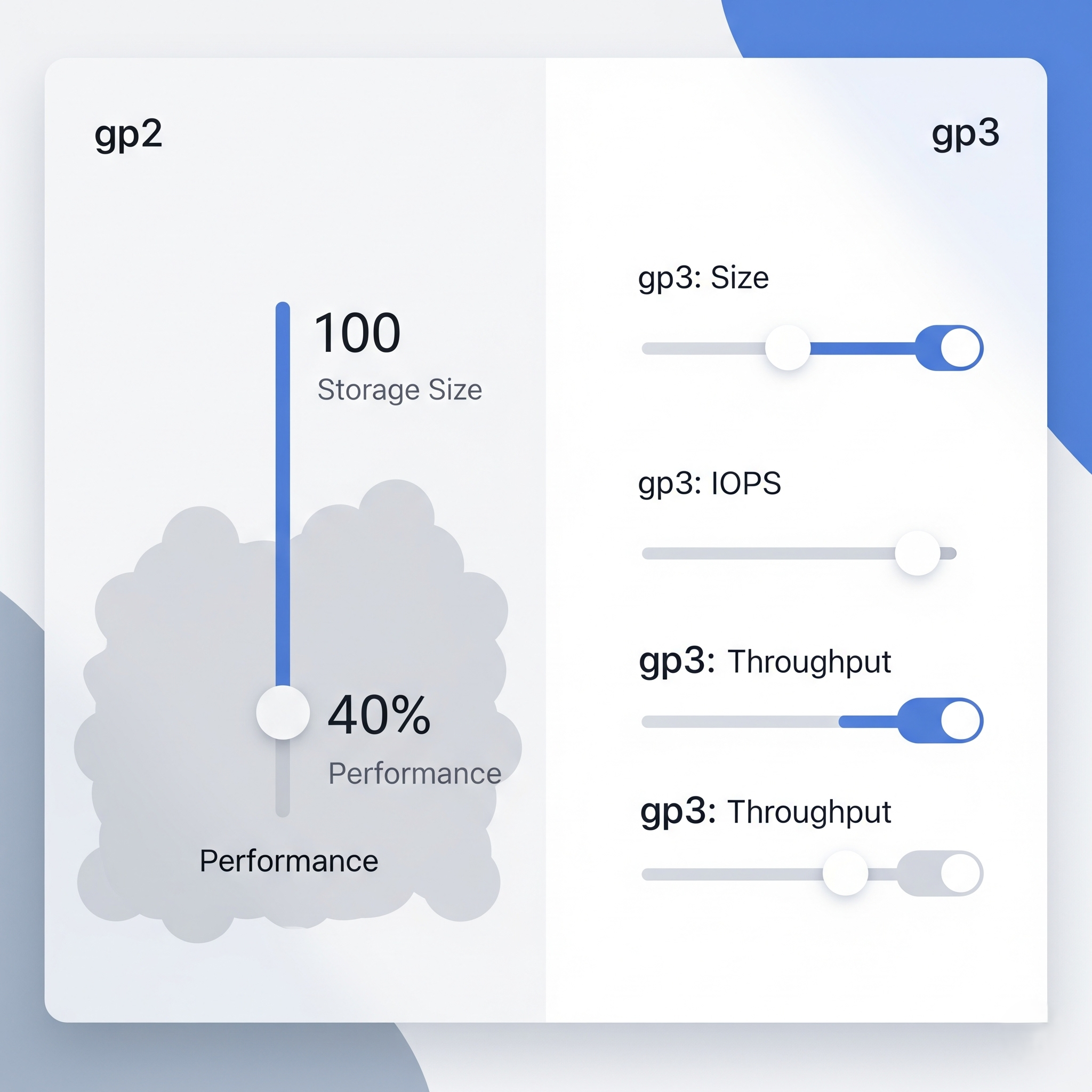
When Amazon Web Services (AWS) launched the gp3 General Purpose SSD volume type for Elastic Block Store (EBS) back in late 2020 at their annual re:Invent conference, it was universally hailed by cloud architects as a revolutionary, no-brainer upgrade. Yet, despite being widely available across nearly all global AWS regions for years, a staggering number of enterprise organizations and fast-moving startups are still spinning up legacy gp2 volumes every single day, leaving millions of dollars on the table.
If you are an engineering leader, a FinOps practitioner, or a DevOps engineer looking for an immediate, completely risk-free way to drastically reduce your AWS bill without refactoring a single line of application code, migrating from gp2 to gp3 is the ultimate low-hanging fruit. It requires zero downtime, no application architecture changes, and immediately improves your baseline performance.
In this comprehensive, 2,500+ word deep dive, we are going to break down the deep technical differences between these two storage classes, explain the frustrating mechanics of the gp2 burst bucket, map out the exact performance implications, and calculate mathematically exactly how much money your organization stands to save by migrating today.
Section 1: A Brief History of AWS Elastic Block Store (EBS)
To truly appreciate the architectural leap from gp2 to gp3, it helps to understand how AWS block storage has evolved over the last decade. Elastic Block Store (EBS) provides block-level storage volumes for use with EC2 instances. Unlike ephemeral instance store volumes (which are physically attached to the host computer and lose all data when the instance stops), EBS volumes are network-attached, highly available, and persistent.
In the early days of AWS, magnetic spinning hard drives (HDDs) were the standard. As solid-state drives (SSDs) became commercially viable, AWS introduced the gp2 (General Purpose SSD) volume type in 2014. It was designed to offer a balance of price and performance for a wide variety of workloads—boot volumes, virtual desktops, low-latency interactive apps, and development environments.
For workloads requiring extreme performance, AWS offered the io1 (and later io2) Provisioned IOPS SSD volumes. These allowed users to explicitly specify the exact IOPS (Input/Output Operations Per Second) they required, but at a massive premium price point. For years, the choice was binary: deal with the limitations of gp2, or pay a small fortune for io1.
Section 2: The Fundamental Architectural Flaw of gp2
To understand why gp3 is universally superior, you must understand the fatal architectural compromise that defines gp2: Performance is inextricably tied to storage capacity.
With a legacy gp2 volume, you do not get to choose your performance characteristics. Instead, AWS dictates your performance based strictly on how many gigabytes of storage you provision. The formula is rigid: you receive a baseline performance of 3 IOPS for every 1 GB of provisioned storage (with a minimum of 100 IOPS and a maximum cap of 16,000 IOPS).
The Over-Provisioning Trap
The mathematical reality of this design forces engineering teams into severe, expensive over-provisioning. Imagine you are hosting a highly transactional MySQL, PostgreSQL, or MongoDB database. Your total data footprint is quite small—perhaps your entire dataset fits easily within 100 GB. However, during peak traffic hours, the database requires 3,000 IOPS to keep query latency low and prevent user timeouts.
Because gp2 permanently ties IOPS to capacity at a 3:1 ratio, you are forced to provision a 1,000 GB volume just to achieve the required 3,000 IOPS (1,000 GB * 3 IOPS/GB = 3,000 IOPS).
You end up paying for 900 GB of empty, unused block storage just to unlock the performance your database needs to function. You are effectively using storage capacity as a highly inefficient slider to turn up your IOPS.
The Infamous "Burst Bucket" Credit System
To mask this limitation for smaller volumes, AWS implemented a complex "burst bucket" credit system for gp2 volumes under 1,000 GB. Volumes receive an initial balance of 5.4 million I/O credits. While operating below their baseline performance, they accumulate credits. When traffic spikes, the volume can "burst" up to 3,000 IOPS by depleting these credits.
However, if your workload sustains high traffic and you deplete your IOPS burst bucket, your volume's performance drops drastically off a cliff down to its baseline. For a 100 GB volume, that means plummeting from 3,000 IOPS to a painfully slow 300 IOPS. This sudden performance degradation is the root cause of countless mysterious production outages and severe latency spikes.
Section 3: The gp3 Solution - Decoupled Performance
The gp3 volume type solves this fundamental design flaw by entirely decoupling storage capacity from performance capability. AWS finally separated the sliders.
With gp3, every single volume you provision—whether it is a tiny 1 GB boot volume or a massive 1,000 GB data volume—automatically comes with a massive baseline performance allocation absolutely free of charge:
Baseline IOPS: 3,000 IOPS (Included at no extra cost)
Baseline Throughput: 125 MiB/s (Included at no extra cost)
If your workload demands more performance than the baseline (for example, you need 5,000 IOPS or 500 MiB/s of throughput), you simply provision more IOPS (up to a maximum of 16,000) or throughput (up to 1,000 MiB/s) completely independently of your storage capacity.
This architectural shift allows you to mathematically right-size your storage based strictly on your actual data footprint, while simultaneously right-sizing your performance based strictly on your application's load profile.
The Immediate Financial Benefit: Even if you completely ignore the decoupled performance benefits, gp3 volumes are inherently 20% cheaper per GB than gp2 volumes at the base storage tier. In us-east-1, gp3 costs $0.08/GB-month, whereas gp2 costs $0.10/GB-month.
Section 4: Cost Comparison - Real-World Scenarios
Let's run the numbers on a few common real-world infrastructure scenarios to see exactly how the savings compound when you ditch gp2.
Scenario 1: The Standard Web Server Boot Volume (Under-utilized IOPS)
Consider a standard EC2 instance hosting a basic web application or internal utility with a 50 GB boot volume. This volume rarely sees heavy disk I/O.
Storage Class | Capacity Provisioned | Sustained IOPS Achieved | Monthly Storage Cost |
|---|---|---|---|
gp2 | 50 GB | 150 IOPS (Baseline) | $5.00 |
gp3 | 50 GB | 3,000 IOPS | $4.00 |
Result: By clicking a single button to upgrade, you save 20% on your monthly bill and receive a massive 20x performance boost in baseline IOPS, completely eliminating the risk of burst bucket depletion during OS updates or heavy logging events.
Scenario 2: The High-Transaction Database (IOPS Bound)
Consider a relational database requiring exactly 100 GB of actual storage capacity but demanding a consistent 3,000 IOPS to handle heavy read/write loads without adding latency to API requests.
Storage Class | Capacity Provisioned | IOPS Provisioned | Monthly Cost |
|---|---|---|---|
gp2 | 1,000 GB (Forced Over-provisioning) | 3,000 IOPS | $100.00 |
gp3 | 100 GB (Right-sized) | 3,000 IOPS (Free baseline) | $8.00 |
Result: A massive 92% cost reduction for the exact same performance profile. You stop paying for 900 GB of empty air.
Scenario 3: The Big Data Node (Throughput Bound)
Consider a Kafka broker or an Elasticsearch node that needs high throughput (e.g., 500 MiB/s) to stream data effectively, with a storage footprint of 500 GB.
With gp2, throughput is tied to volume size. To get 500 MiB/s on gp2, you actually can't—gp2 maxes out at 250 MiB/s. You would have to split volumes in a RAID 0 array or upgrade to the wildly expensive io1 tier. With gp3, you provision 500 GB, and explicitly pay a few dollars for the extra 375 MiB/s of throughput above the baseline. The savings here against io1 or RAID-0 gp2 setups are astronomical.
Related Reading: Uncovering Hidden Networking Costs
While you are auditing your block storage costs, do not neglect your VPC networking layer. Many engineering teams successfully optimize their EBS volumes only to bleed thousands of dollars a month on invisible data processing fees. Read our comprehensive guide: Fix Expensive AWS NAT Gateway Costs: Optimization Guide.
Section 5: How to Migrate from gp2 to gp3 (Zero Downtime)
Perhaps the most incredible feature of gp3 is that migrating existing volumes is incredibly simple and requires absolutely zero downtime for your EC2 instances. The AWS Elastic Volumes feature handles the block-level operation entirely transparently in the background.
Method 1: Via the AWS Management Console
If you only have a handful of volumes to migrate, the console is the easiest path.
Navigate to the EC2 Dashboard in the AWS Management Console.
Select Volumes from the left-hand navigation pane under "Elastic Block Store".
Locate the gp2 volume you wish to modify. (Pro-tip: Use the search bar to filter by
Volume type = gp2).Check the box next to the volume, click the Actions dropdown, and select Modify Volume.
Change the Volume Type dropdown from
gp2togp3.(Optional) If your specific workload requires more than the 3,000 IOPS / 125 MiB/s free baseline, adjust the IOPS and Throughput text fields accordingly.
Click Modify. Confirm the pop-up warning.
Method 2: Via the AWS CLI (For Bulk Migrations)
If you have hundreds or thousands of volumes to migrate, doing it manually via the console is impossible. You can easily script the modification using the AWS Command Line Interface. Here is a basic command to modify a single volume:
aws ec2 modify-volume \
    --region us-east-1 \
    --volume-id vol-0123456789abcdef0 \
    --volume-type gp3
If you need to provision specific IOPS and throughput above the baseline, you can pass those parameters directly:
aws ec2 modify-volume \
    --region us-east-1 \
    --volume-id vol-0123456789abcdef0 \
    --volume-type gp3 \
    --iops 6000 \
    --throughput 250
Method 3: Via Terraform (Infrastructure as Code)
If you manage your infrastructure via Terraform (which you absolutely should be), updating your modules is trivial. Simply locate your aws_ebs_volume or the root_block_device block within your aws_instance resource, and change the type.
resource "aws_instance" "web_server" {
  ami           = "ami-0c55b159cbfafe1f0"
  instance_type = "t3.medium"

  root_block_device {
    volume_type = "gp3"    # Changed from gp2
    volume_size = 50
    # iops = 3000          # Optional: only needed if > 3000
    # throughput = 125     # Optional: only needed if > 125
  }
}
The Modification State: When you execute a volume modification, the volume state will change from in-use to optimizing. During this optimization phase (which can take several hours for massive multi-terabyte volumes), your application will remain online and fully functional. However, you may experience a slight, temporary dip in maximum performance while the background synchronization occurs across AWS storage arrays. It is recommended to perform massive migrations during off-peak hours.
Section 6: Are There Any Reasons to Keep gp2?
Given the overwhelming financial and performance advantages of gp3, is there any valid architectural reason to ever provision a gp2 volume today? The short answer is: No.
There are virtually no edge cases where gp2 outperforms gp3 or costs less. The only minor caveat is that AWS has a minimum volume size of 1 GB for gp2, and 1 GB for gp3. Previously there were some discrepancies in minimums, but they have been normalized. The only reason organizations still run gp2 is institutional inertia—they have hardcoded gp2 into legacy CloudFormation templates, Terraform modules, or internal automation scripts, and no one has prioritized updating them.
Section 7: FinOps, LLMs, and the Bigger Picture
Storage optimization using gp3 is just one small piece of the modern FinOps puzzle. As companies aggressively adopt more advanced, compute-intensive technologies like generative AI, large language models (LLMs), and machine learning pipelines, tight unit economics become even more critical for survival.
If you are deploying massive AI infrastructure, the monthly cost of an EBS volume pales in comparison to the staggering cost of model inference and API token usage. If you want to dive deeper into the economics of the modern AI cloud, read our comprehensive C-Level Guide to LLM Unit Economics & Token Costs to understand how to protect your SaaS margins from exploding OpenAI bills.
Furthermore, if you are outgrowing managed APIs and looking to train your own open-source models, you need to understand the hardware layer. See how the emerging specialized GPU clouds stack up against legacy providers like AWS in our breakdown of The Neocloud Revolution: CoreWeave vs Lambda GPUs.
Conclusion
In the world of cloud architecture, you rarely get a free lunch. Usually, reducing costs means accepting lower performance, increasing management overhead, or taking on significant refactoring risk. The migration from gp2 to gp3 is the rare exception to that rule.
Do not wait until your next quarterly budget review to address this. Run an audit on your AWS environment today, identify your legacy gp2 volumes, update your Infrastructure as Code templates, and execute the migration to gp3. It is mathematically the easiest, most frictionless, and most satisfying financial win your engineering team will execute all year.
All in One Place
Atler Pilot decodes your cloud spend story by bringing monitoring, automation, and intelligent insights together for faster and better cloud operations.