
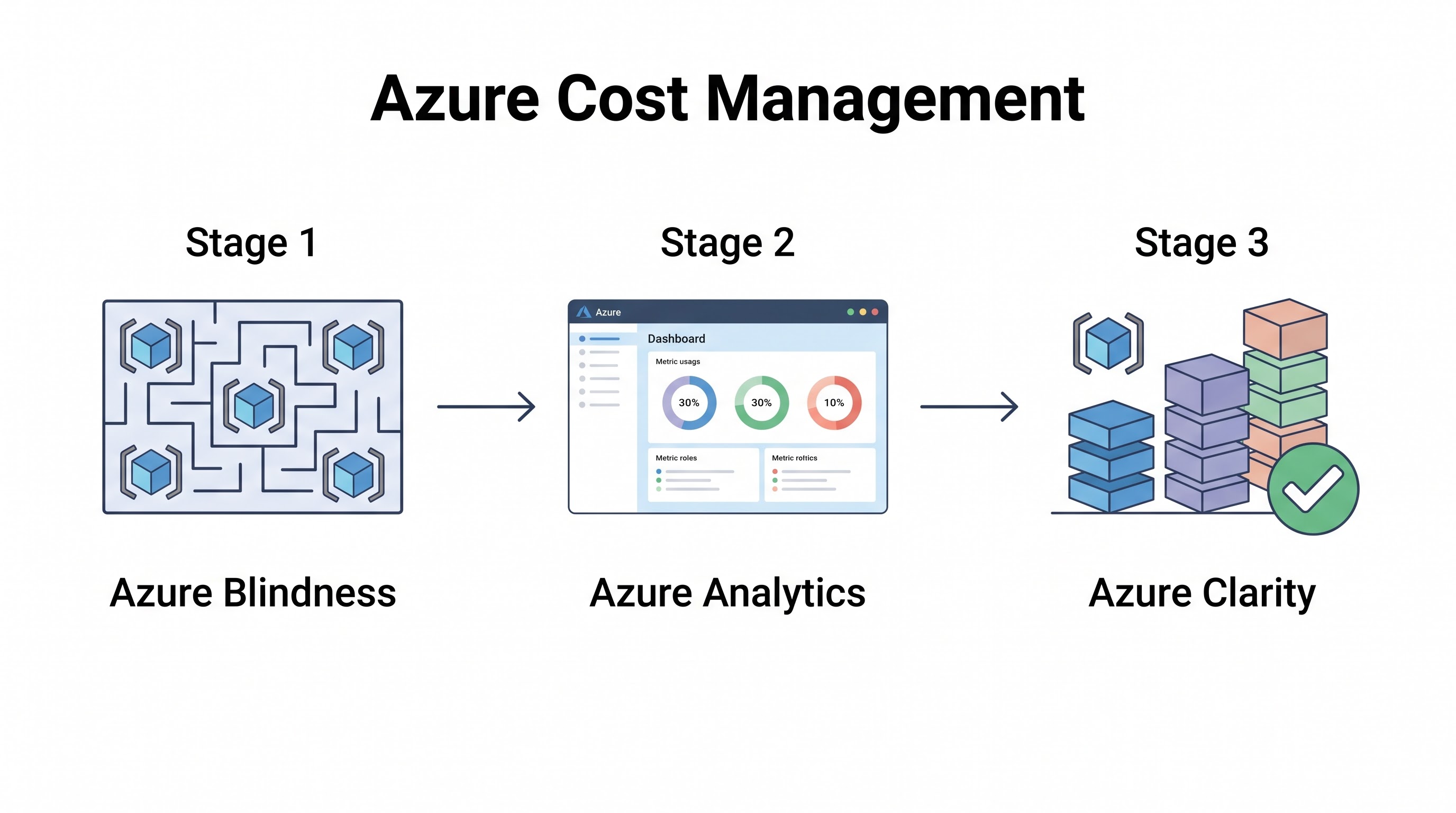
Navigating Azure Spend
Microsoft Azure provides a deeply integrated ecosystem for enterprise workloads, but its pricing structure and billing mechanisms can be complex to navigate. Unlike AWS, which often scales linearly by component, Azure pricing frequently involves tiered models, enterprise agreements (EAs), and intricate licensing benefits that can dramatically alter the final cost of a resource.
Effective Azure cost management requires a firm grasp of both infrastructure optimization and licensing strategy. It is not enough to simply rightsize virtual machines; teams must also understand how Azure Hybrid Benefit and Reserved Instances interact to lower the effective hourly rate. This guide outlines a comprehensive approach to mastering Azure cost management in 2026, providing practical controls for enterprise environments.
Azure Native Cost Tools
Microsoft provides a strong suite of native tools under the umbrella of Azure Cost Management + Billing. These tools are the foundation of any Azure FinOps practice.
Azure Cost Management (ACM)
ACM is the primary interface for analyzing Azure spend. It allows you to track costs across subscriptions, resource groups, and management groups. Key capabilities include:
Cost Analysis: Create custom views grouped by service, location, or tags. Saved views should be shared across engineering teams to establish a baseline of cost visibility.
Budgets and Alerts: Set budgets at the subscription or resource group level. ACM can trigger email alerts or webhooks when spend approaches predefined thresholds, enabling proactive intervention before the billing cycle ends.
Cost Allocation: Use ACM's cost allocation rules to distribute shared costs (like ExpressRoute circuits or shared AKS clusters) across different business units based on proportional usage or fixed percentages.
Azure Advisor
Azure Advisor is a personalized cloud consultant that analyzes your resource configuration and usage telemetry. It provides actionable recommendations across five pillars: Reliability, Security, Performance, Operational Excellence, and Cost.
The Cost pillar highlights opportunities such as shutting down idle VMs, rightsizing underutilized VMs based on historical metrics, and purchasing Reserved Instances for consistent workloads. While Advisor is a great starting point, enterprise teams often need to tune its recommendation rules (e.g., adjusting the CPU utilization threshold for rightsizing recommendations) to align with their specific risk tolerance.
Azure Discount Programs and Hybrid Benefit
Maximizing Azure discounts requires a coordinated strategy across procurement, finance, and engineering.
Azure Hybrid Benefit (AHB)
For enterprises with existing on-premises Microsoft licenses with Software Assurance, Azure Hybrid Benefit is the single most powerful cost-reduction mechanism available. It allows you to bring your existing Windows Server and SQL Server licenses to Azure.
When AHB is applied to a virtual machine or a SQL database, you pay only the base compute rate (the Linux rate), effectively eliminating the software licensing premium from the hourly charge. This can result in savings of up to 40% on Windows Server VMs and up to 55% on Azure SQL Database.
Azure Reservations and Savings Plans
For stable workloads, commitment-based discounts are crucial. Azure offers both Reservations and Savings Plans, functioning similarly to their AWS counterparts.
Azure Reserved Virtual Machine Instances (RIs): Commit to a specific VM series and region for 1 or 3 years. RIs offer deep discounts (up to 72%) and provide instance size flexibility within the same VM group (e.g., a D4s_v3 reservation can cover two D2s_v3 VMs).
Azure Savings Plans for Compute: Commit to a fixed hourly spend (e.g., $5/hour) across compute services (VMs, App Service, Container Instances) globally for 1 or 3 years. This offers less discount than RIs but significantly more flexibility.
The optimal strategy, as detailed in the Reserved Instances Guide, involves layering these commitments: use RIs for foundational, highly predictable workloads, and use Savings Plans to cover the dynamic portion of your compute footprint.
Optimizing Azure Compute: VMs and AKS
Compute resources drive the majority of Azure spend. Systematic optimization is mandatory.
Virtual Machine Rightsizing
Relying on Azure Advisor's default rightsizing recommendations is a start, but mature teams perform deep analysis using Azure Monitor. Collect memory and disk I/O metrics (which may require the Azure Monitor Agent depending on the OS) to ensure VMs are not downsized into performance bottlenecks. Implement an incremental rightsizing strategy, stepping down one size at a time and observing performance, as outlined in the Rightsizing Guide.
Spot Virtual Machines
Azure Spot VMs utilize unallocated capacity at a steep discount (up to 90%). They are ideal for batch processing, dev/test environments, and stateless scale-out workloads. Use Virtual Machine Scale Sets (VMSS) to manage Spot VMs, configuring policies to seamlessly replace evicted Spot instances with On-Demand instances if capacity becomes unavailable.
Azure Kubernetes Service (AKS) Efficiency
AKS abstracts the control plane, but you still pay for the worker nodes. Common AKS cost optimization tactics include:
Node Pool Optimization: Utilize Spot node pools for interruptible workloads. Segregate workloads so that high-memory pods do not force the entire cluster to run on expensive memory-optimized node types.
Cluster Autoscaler and KEDA: Configure the cluster autoscaler to aggressively scale down nodes during off-peak hours. Use Kubernetes Event-driven Autoscaling (KEDA) to scale pods based on external metrics (like Azure Service Bus queue length).
Refer to the Kubernetes Cost Management Guide for advanced techniques.
Azure Storage and Database Efficiency
Storage and data management often harbor hidden inefficiencies.
Azure Storage Lifecycle Management
Do not leave aging data in the Hot tier. Implement Azure Storage Lifecycle Management policies to automatically move blobs to the Cool tier (optimized for infrequent access) or the Archive tier (optimized for rare access) based on the last modified date. Moving data from Hot to Archive can reduce storage costs by up to 90%, though retrieval times and costs increase.
Azure SQL Database Optimization
Azure SQL offers multiple deployment options, each with distinct cost implications:
DTU vs. vCore: The vCore model provides independent scaling of compute and storage and supports Azure Hybrid Benefit. The DTU model bundles resources and is often simpler for smaller workloads.
Serverless Compute: For databases with intermittent or unpredictable usage, Azure SQL Database Serverless automatically pauses the database during inactive periods (billing only for storage) and auto-scales compute when active.
Elastic Pools: Consolidate multiple underutilized databases into an Elastic Pool to share a common set of resources at a fixed price, rather than over-provisioning each database individually.
Azure Policy and Tagging Governance
Without governance, optimized environments quickly revert to chaos. Azure Policy is the engine for enforcing organizational standards.
Tagging Enforcement
Consistent tagging is the prerequisite for cost allocation. Use Azure Policy to mandate the presence of critical tags (e.g., CostCenter, Environment, Owner) upon resource creation. You can also configure policies to automatically append tags inherited from the parent Resource Group, reducing friction for developers.
// Example Azure Policy snippet to require a 'CostCenter' tag
{
  "mode": "Indexed",
  "policyRule": {
    "if": {
      "field": "tags['CostCenter']",
      "exists": "false"
    },
    "then": {
      "effect": "deny"
    }
  }
}
Review the Cloud Tagging Strategy Guide to design a taxonomy that works across the enterprise.
Automating Cost Control in Azure
Manual intervention is unscalable. Implement automation to handle routine cost control tasks:
Start/Stop VMs during off-hours: Use Azure Automation Runbooks or Logic Apps to schedule the shutdown of dev/test VMs overnight and on weekends.
Orphaned Resource Cleanup: Run scheduled scripts to identify and delete unattached Managed Disks, unused Public IPs, and aged snapshots.
Scaling FinOps in the Enterprise
For large organizations, native tools eventually hit limitations regarding multi-cloud visibility and advanced organizational mapping. A comprehensive FinOps platform like CloudAtler integrates Azure billing data (via Cost Management exports) with metrics from AWS and GCP.
These platforms provide a single pane of glass, enabling accurate showback/chargeback reporting, multi-cloud anomaly detection, and automated enforcement of optimization recommendations tailored to complex corporate hierarchies.
Key Takeaway
Azure cost management is a strategic blend of infrastructure optimization and licensing savvy. Master Azure Cost Management and leverage Azure Policy for stringent tagging governance. Vigorously apply Azure Hybrid Benefit and layer Reservations and Savings Plans to slash compute rates. Finally, automate the lifecycle of your resources to ensure efficiency is maintained as your Azure footprint scales.
All in One Place
Atler Pilot decodes your cloud spend story by bringing monitoring, automation, and intelligent insights together for faster and better cloud operations.