
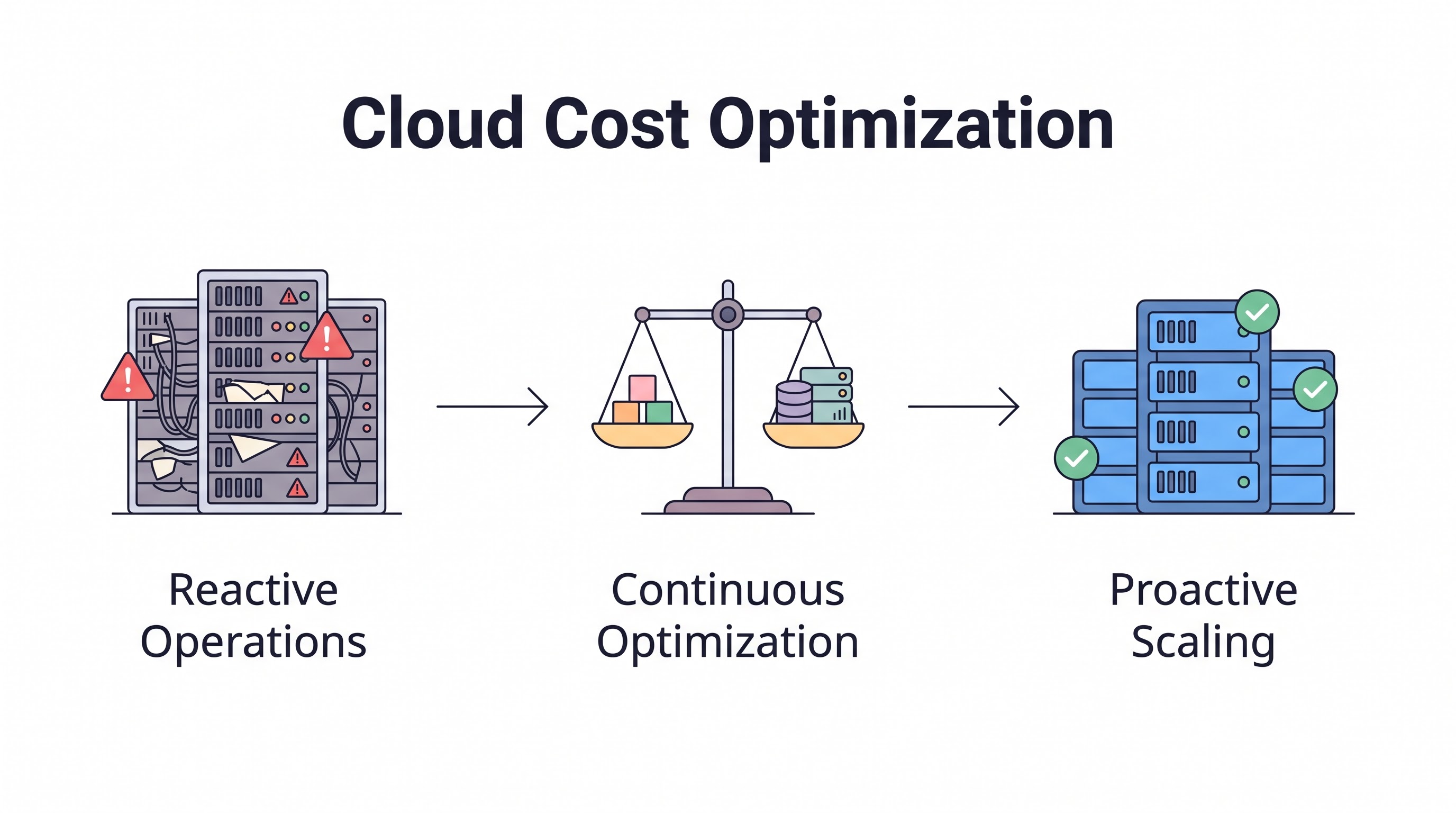
The Cost Optimization Mindset
Cloud cost optimization is not about penny-pinching. It is about architectural discipline. The organizations that consistently maintain healthy cloud unit economics share one trait: they treat cost as a non-functional requirement alongside latency, availability, and security. When an engineer designs a system, they consider performance under load, graceful failure behavior, and operational expense. That third consideration is where most teams fall short — not from lack of ability but from lack of habit.
The aggregate numbers paint a sobering picture. Global public cloud expenditure will exceed $830 billion in 2026 according to industry forecasts. Between 25% and 35% of that total — somewhere between $200 and $290 billion — represents waste. Not strategic investment. Not growth spending. Pure waste. Idle resources nobody uses, oversized instances nobody right-sized, unattached storage volumes nobody deleted, data transfer routes that hemorrhage money through architectural oversight, and commitment gaps where full on-demand pricing devours budgets that reserved pricing would cut by half or more.
This playbook covers the technical levers available for reducing cloud costs across AWS, Azure, and GCP environments. Each section targets a specific optimization domain, provides implementation details with real commands and configurations, and quantifies the savings you can expect. For the strategic and organizational wrapper around these techniques, the FinOps Guide for 2026 covers team structure, maturity models, and cultural adoption. This article stays purely tactical.
Rightsizing: The Biggest Single Lever
Rightsizing means matching the capacity of cloud resources to the actual workload they serve. The concept sounds trivially obvious. In practice, most organizations run 40% to 60% of their compute fleet at sustained utilization levels below 20%. Engineers provision for projected peak load, add a safety margin on top of that, and rarely revisit the sizing decision after initial deployment. The result is infrastructure that sits idle the majority of its operational life while billing at the full hourly rate.
How to Approach Rightsizing Effectively
Sound rightsizing demands at least 14 days of utilization data — ideally 30 days — to capture complete weekly patterns and account for end-of-month spikes. Pull CPU, memory, disk I/O, and network metrics from CloudWatch on AWS, Azure Monitor, or Cloud Monitoring on GCP. Identify resources where the 95th percentile utilization falls below 40%. Those resources are strong downsizing candidates.
# AWS CLI: Check EC2 CPU utilization over 14 days
aws cloudwatch get-metric-statistics   --namespace AWS/EC2   --metric-name CPUUtilization   --dimensions Name=InstanceId,Value=i-0abc123def456   --start-time 2026-07-01T00:00:00Z   --end-time 2026-07-14T23:59:59Z   --period 3600   --statistics Average Maximum   --output table
Several guidelines prevent rightsizing from causing outages:
Never rightsize based on CPU metrics alone. A memory-intensive application running on an m5.2xlarge may show 5% CPU utilization, but if it consumes 28 GB of the 32 GB available, downsizing to m5.xlarge with 16 GB will trigger out-of-memory process kills. Always correlate memory utilization with CPU data.
Rightsize incrementally rather than aggressively. Jumping from m5.4xlarge to m5.xlarge — three sizes down — in a single move introduces significant risk. Drop one size at a time, observe for a full week including peak hours, then evaluate whether another reduction is safe.
Exclude burst workloads from average-based analysis. A batch processing server running at 5% CPU for 22 hours and 95% CPU for 2 hours cannot be rightsized using average utilization. Use 95th or 99th percentile metrics for workloads with bursty consumption patterns.
Consider architecture-generation shifts during rightsizing. AWS Graviton3 instances deliver roughly 25% better price-performance than equivalent x86 instances for compatible workloads. If your application stack supports ARM processors — most Linux-based workloads do — switching instance families during a rightsizing operation compounds the savings substantially.
Rightsizing is not a one-time project you can mark complete. Workloads evolve continuously. Traffic patterns shift with product changes. A service rightsized in January may be oversized again by July. Build a quarterly rightsizing review into your FinOps operational cadence or deploy automated rightsizing recommendations through tools like CloudAtler's compute lifecycle analysis.
Commitments: RIs, Savings Plans, and CUDs
On-demand pricing is the default consumption model on every major cloud, and it is consistently the most expensive option available. For workloads that will run with predictable consistency for one to three years, commitment-based pricing reduces costs by 30% to 72% depending on the provider, contract term, and upfront payment choice.
AWS Savings Plans and Reserved Instances
AWS offers three primary commitment vehicles, each with different flexibility and discount characteristics:
Commitment Type | Flexibility | 1yr No Upfront Savings | 3yr All Upfront Savings |
|---|---|---|---|
EC2 Instance Savings Plan | Locked to instance family and region | ~30% | ~60% |
Compute Savings Plan | Any instance family, any region, any OS | ~20% | ~52% |
Standard Reserved Instance | Locked to specific instance type and AZ | ~35% | ~62% |
The decision framework: if a workload is operationally stable and unlikely to change instance family, EC2 Instance Savings Plans offer the strongest balance of savings depth and operational flexibility. If the workload might shift between instance types — for example during a Graviton migration or a containerization effort — Compute Savings Plans provide necessary safety margin. Standard Reserved Instances offer the deepest discounts but the least flexibility — reserve them exclusively for bedrock infrastructure components that will not change for the contract duration.
Coverage analysis is essential before purchasing. Buy commitments to cover your baseline — the minimum compute capacity your environment requires at all times, including overnight and weekends. Variable demand above the baseline should remain on on-demand pricing or leverage spot instances. Purchasing commitments that exceed your actual baseline means paying for capacity that sits unused, which eliminates the economic benefit entirely. Detailed guidance on commitment strategy is covered in the reserved instances and savings plans guide.
Azure Reservations
Azure Reservations cover VMs, SQL databases, Cosmos DB, App Service plans, and a growing list of additional services. Azure also offers the Hybrid Benefit program, which allows organizations to apply existing Windows Server and SQL Server licenses to Azure VMs. Stacking Hybrid Benefit on top of Reservation pricing can yield combined discounts exceeding 60% relative to standard on-demand pricing. If your organization holds qualifying Microsoft licenses from on-premises deployments, the Hybrid Benefit alone can deliver savings comparable to Reserved Instance purchases.
GCP Committed Use Discounts
GCP's CUD program applies to vCPU and memory resources. Critically, the commitment targets a dollar amount of resources per hour rather than a specific machine type, which provides more flexibility than AWS Standard RIs. GCP also applies Sustained Use Discounts automatically with no user action required — if a VM runs for more than 25% of the billing month, the effective price drops incrementally. For workloads running continuously, SUDs provide approximately a 30% discount without any commitment contract.
Spot and Preemptible Instances
Spot instances on AWS, Spot VMs on Azure, and Preemptible or Spot VMs on GCP offer 60% to 90% price reductions on compute by utilizing spare cloud capacity. The trade-off: the provider can reclaim these instances with minimal notice — two minutes on AWS, thirty seconds on GCP. This reclamation risk makes spot instances unsuitable for stateful or latency-sensitive production workloads but positions them as excellent choices for batch processing, CI/CD pipelines, data analytics jobs, machine learning training runs, and stateless microservices operating behind load balancers with health-check failover.
Spot optimization strategies that meaningfully reduce interruption risk include:
Instance type diversification. Rather than requesting only m5.xlarge spot capacity, spread requests across m5.xlarge, m5a.xlarge, m6i.xlarge, and m6a.xlarge simultaneously. Greater instance type diversity reduces the probability of simultaneous capacity reclamation across your fleet.
Availability zone distribution. Spot pricing and capacity availability differ by AZ within the same region. Spreading workloads across all AZs decreases the chance of a region-wide spot shortage affecting your entire fleet.
Graceful shutdown handlers. On AWS, implement metadata service polling to detect the two-minute interruption warning, drain active connections, checkpoint work in progress, and terminate cleanly.
Hybrid on-demand and spot fleets. Run your baseline capacity on committed or on-demand instances and scale-out capacity exclusively on spot. This architecture limits blast radius — if spot capacity vanishes, your baseline continues serving traffic while the autoscaler provisions on-demand replacements.
# Terraform: Mixed instances policy for AWS Auto Scaling Group
resource "aws_autoscaling_group" "app" {
  mixed_instances_policy {
    instances_distribution {
      on_demand_base_capacity                  = 2
      on_demand_percentage_above_base_capacity = 20
      spot_allocation_strategy                 = "capacity-optimized"
    }
    launch_template {
      launch_template_specification {
        launch_template_id = aws_launch_template.app.id
      }
      override { instance_type = "m6i.xlarge" }
      override { instance_type = "m6a.xlarge" }
      override { instance_type = "m5.xlarge"  }
    }
  }
}
Storage Tiering and Lifecycle Policies
Storage cost optimization is overlooked because storage costs accumulate gradually rather than spiking dramatically. A few terabytes sitting in S3 Standard or Azure Hot Blob Storage feel inexpensive — until the team realizes that the same data has been untouched for eighteen months and could reside in Glacier Deep Archive at 95% lower cost per gigabyte.
Every major cloud provider offers storage tiers optimized for different access frequency profiles:
Provider | Hot Tier | Cool / Infrequent | Cold / Archive | Deep Archive |
|---|---|---|---|---|
AWS S3 | Standard | Standard-IA | Glacier Flexible Retrieval | Glacier Deep Archive |
Azure Blob | Hot | Cool | Cold | Archive |
GCP GCS | Standard | Nearline | Coldline | Archive |
Lifecycle policies automate tier transitions without manual intervention. Configure rules that move objects to progressively cheaper tiers after defined periods — 30, 90, or 180 days — based on observed access patterns. For S3 specifically, enable Intelligent-Tiering on buckets where access patterns are unpredictable. The feature monitors object-level access and moves individual objects between tiers automatically, charging a small per-object monitoring fee that is typically far less than the storage savings generated.
One frequently missed savings opportunity: delete data that no longer serves any purpose. Log files older than your compliance retention requirement, failed CI/CD build artifacts, temporary data exports that were consumed once, and test datasets from completed experiments — these categories accumulate silently in the background. A weekly audit of your largest storage buckets often reveals hundreds of gigabytes or even terabytes of data with zero remaining business value.
Network Cost Reduction
Network costs represent the most opaque line item on nearly every cloud bill. Egress charges, NAT Gateway fees, and cross-region transfer costs can collectively account for 10% to 20% of total cloud spend for data-intensive architectures — yet most teams lack visibility into which services drive those charges.
Common network cost traps and practical solutions:
NAT Gateway data processing on AWS: AWS charges $0.045 per GB processed through a NAT Gateway. A service making frequent API calls to S3 through a NAT Gateway instead of using an S3 VPC Gateway endpoint pays this per-GB fee entirely unnecessarily. Gateway VPC endpoints for S3 and DynamoDB are free to create and operate. Interface VPC endpoints for other AWS services carry a per-hour charge but eliminate NAT processing fees.
Cross-AZ traffic charges: AWS charges $0.01 per GB for traffic crossing availability zone boundaries. Microservices architectures with high-frequency inter-service communication distributed across multiple AZs can accumulate meaningful cross-AZ fees. Deploying tightly coupled services in the same AZ where architecturally feasible — or batching requests to reduce call volume — addresses this.
Cross-region replication overhead: Replicating databases and storage buckets across regions is operationally necessary for disaster recovery, but the data transfer costs can be substantial. Evaluate whether all replicated data genuinely requires real-time synchronous replication, or whether periodic batch replication on an hourly or daily schedule would satisfy recovery objectives at significantly lower cost.
CDN for egress reduction: CloudFront, Azure CDN, and Cloud CDN cache content at geographically distributed edge locations. Egress from CDN edges is priced significantly below egress directly from origin regions. For any public-facing content delivery — APIs, static assets, media files — CDN is almost always cost-positive even accounting for the CDN service charge.
Eliminating Idle Resources
Idle resource cleanup delivers the fastest cost reduction with the lowest risk. No architectural changes. No application modifications. No risk to production availability. The entire exercise consists of identifying and deleting cloud resources that serve zero operational purpose.
Execute these scans monthly — or automate them continuously using CloudAtler's multi-resource detection:
Unattached storage volumes: EBS volumes on AWS and managed disks on Azure that were left behind after their parent instance was terminated. They bill at the same rate whether attached to a running instance or sitting detached with no consumers.
Idle load balancers: Application Load Balancers and Network Load Balancers with zero registered healthy targets. Each idle ALB costs $16 to $22 monthly in base charges alone before any data processing fees.
Aged snapshots: EBS snapshots and VM disk snapshots accumulate over time as backup automation runs without corresponding cleanup automation. Identify snapshots older than your defined retention window and delete them systematically.
Unused Elastic IPs: AWS charges $3.60 monthly for each Elastic IP address not associated with a running instance. Organizations with hundreds of accounts often have dozens of orphaned EIPs.
Zombie environments: Development and staging environments provisioned for a feature branch, merged into main weeks ago, never torn down afterward. Implement automated environment expiration policies — if a branch environment shows no new commits for 7 days, trigger an automated destruction workflow.
Real-World Impact
A SaaS company operating across 180 AWS accounts ran a comprehensive idle resource audit and discovered 2,400 unattached EBS volumes, 340 idle load balancers, and 12 TB of orphaned snapshots. Total monthly waste: $38,000. The complete cleanup effort required three days of focused work.
Automating Continuous Optimization
Manual optimization does not scale past a certain organizational size. The moment your team finishes one optimization pass, fresh waste starts accumulating from new deployments and changing usage patterns. Automation transforms cost optimization from a periodic project into a continuously operating system.
Automation targets with the strongest return on engineering investment:
Scheduled start and stop for non-production environments: Development and staging instances that only need to run during business hours — roughly 10 hours daily, 5 days weekly — waste 70% of their compute budget running overnight and through weekends. Implement Lambda functions on AWS, Azure Automation runbooks, or Cloud Scheduler jobs on GCP to stop these environments at 7 PM and restart them at 8 AM. This single automation typically saves 65% of non-production compute costs.
Automated rightsizing recommendations: Feed utilization metrics into a recommendation engine that flags oversized resources weekly. CloudAtler's operational intelligence performs this analysis across all connected cloud accounts automatically.
Commitment coverage monitoring: Track RI and Savings Plan utilization and coverage daily. Alert when coverage drops below target thresholds — indicating new on-demand workloads that should receive commitment coverage — or when utilization drops below 90% — indicating commitments applied to workloads that shrank or were decommissioned.
Tag compliance enforcement: Use AWS Service Control Policies, Azure Policy definitions, or GCP Organization Policies to deny resource creation attempts that lack required tags. This enforcement prevents the visibility gap that makes accurate cost allocation impossible downstream.
Measuring Optimization Impact
Every optimization action must be measured rigorously. Without measurement, there is no way to distinguish between cost savings driven by deliberate effort and cost reductions caused by organic usage decline or workload decommissioning.
Track optimization impact using this structured framework:
Before baseline: Document the monthly run-rate cost of the targeted resources before any optimization action is taken
Action record: Record precisely what changed — instance type modification, commitment purchase, resource deletion, architecture change
After measurement: Measure the monthly cost of the same resource scope 30 days after the optimization action
Net savings calculation: Before minus after, accounting for any one-time costs including migration effort, application testing, and commitment upfront payments amortized over the term
Annualized impact: Project the monthly savings across 12 months for executive reporting and ROI calculations
Present optimization results in the language your audience speaks. Engineers understand that downsizing an m5.4xlarge to m5.xlarge saves $0.37 per hour. Executives understand that the same change saves $39,000 annually when applied across 12 instances of the same type. Both statements describe the identical optimization — the framing determines whether the audience engages with the result or ignores it.
Key Takeaway
Cloud cost optimization works best as a layered approach executed continuously rather than a quarterly emergency drill. Start with idle resource cleanup for immediate risk-free wins. Progress to rightsizing for moderate effort and high savings. Add commitment purchases after workload analysis for the highest long-term savings. Complete the stack with architecture optimization for the most durable savings. Automate every layer to prevent waste from reaccumulating between review cycles.
All in One Place
Atler Pilot decodes your cloud spend story by bringing monitoring, automation, and intelligent insights together for faster and better cloud operations.