
The Inevitability of the Alert
Despite rigorous adherence to cloud security checklists and the deployment of advanced Zero Trust architectures, the probability of a security incident is absolute. A developer will accidentally leak a token, a zero-day vulnerability will be exploited before a patch is available, or an employee will fall for a highly targeted phishing campaign.
When the SIEM blares red at 2:00 AM indicating anomalous outbound traffic from a production database server, the outcome is determined by the actions taken in the first 60 minutes. A disorganized response can turn a minor, contained incident into a catastrophic public breach while simultaneously destroying the forensic evidence required to understand what happened.
This guide provides a tactical playbook for executing a cloud-native incident response (IR), emphasizing the differences between traditional on-premises forensics and cloud ephemerality.
Minute 0: Triage and Verification
The initial alert fires (e.g., GuardDuty detects an EC2 instance querying a known Bitcoin mining pool domain). The first goal is verifying the alert is a true positive.
Acknowledge and Assemble: The on-call security engineer acknowledges the alert and opens the dedicated Incident Response Slack channel/bridge.
Contextualize: Identify the compromised resource. What is its role? Is it a public web server or an internal billing database? What IAM role is attached to it? (Tools like CSPM provide this context instantly).
Determine Severity: If the instance has the
AdministratorAccessIAM role attached, this is a "Sev 1" crisis. If it is an isolated staging server with no database access, the severity is lower.
Minute 15: Containment (Stop the Bleeding)
If the incident is verified, the immediate priority is containment: stopping the attacker from moving laterally or exfiltrating data. Do not try to fix the vulnerability yet.
Isolating Compute (EC2/VMs)
In the on-premises world, containment meant physically pulling the ethernet cable out of the server. In the cloud, containment is logical.
Apply a "Quarantine" Security Group: Change the Security Group of the compromised instance to one that explicitly denies all outbound and inbound traffic (except perhaps inbound SSH/RDP from a dedicated forensic Bastion host). This immediately severs the attacker's command-and-control (C2) connection.
Isolating Identity (IAM)
If the attacker has compromised credentials, network isolation is useless. They are using the API.
Revoke Temporary Credentials: If an IAM Role is compromised, attach an inline policy to the role that explicitly denies all actions (
"Effect": "Deny", "Action": "*", "Resource": "*"). This instantly revokes all active STS sessions using that role.Disable Access Keys: If a human user's static access key is leaked, deactivate (do not delete) the key immediately.
The Cardinal Sin: Destroying the Evidence
The most common and devastating mistake made by DevOps teams during an incident is treating a security compromise like a performance bug. Their instinct is to reboot the server or terminate the instance to allow the Auto Scaling Group to replace it with a clean one.
Never terminate a compromised instance. Never reboot it.
Rebooting clears the volatile memory (RAM), destroying active network connections, running malware processes, and encryption keys. Terminating the instance destroys the EBS volume. You have successfully stopped the attack, but you have blinded yourself to how the attacker got in, what data they accessed, and whether they left backdoors elsewhere. You must isolate, not destroy.
Minute 30: Scoping and Eradication
With the bleeding stopped, you must determine the blast radius.
Log Analysis: Query AWS CloudTrail or Azure Activity Logs. If the attacker compromised an IAM role, what exact API calls did they make in the last 24 hours? Did they attempt to access S3 buckets, create new IAM users (backdoors), or modify routing tables?
Eradication: If backdoors are identified (e.g., a newly created, unauthorized IAM user), delete them.
Minute 45: Forensic Preservation
Before the security team can perform deep analysis, the evidence must be legally and technically preserved.
Snapshot the Disk: Take a snapshot of the EBS volume attached to the compromised instance. This provides an immutable copy of the file system for forensic analysis.
Memory Dump: If possible, capture a dump of the instance's RAM.
Tagging: Tag the compromised instance with
Status: QuarantinedandIncident: INC-12345to ensure automated lifecycle policies do not accidentally delete it.
Once the snapshots are secured, the original compromised instance can be safely terminated.
Minute 60: Recovery and Post-Mortem
The final phase is returning to normal operations.
Deploy Clean Infrastructure: Ensure the vulnerability that allowed the breach is patched (e.g., updating a vulnerable library). Deploy a new, clean instance via the CI/CD pipeline.
The Post-Mortem: The most valuable output of an incident is the post-mortem document. Why did the attack succeed? Why did the detection take 2 hours instead of 5 minutes? The post-mortem must result in new engineering tickets to improve cloud architecture and alerting.
Automating the First Response
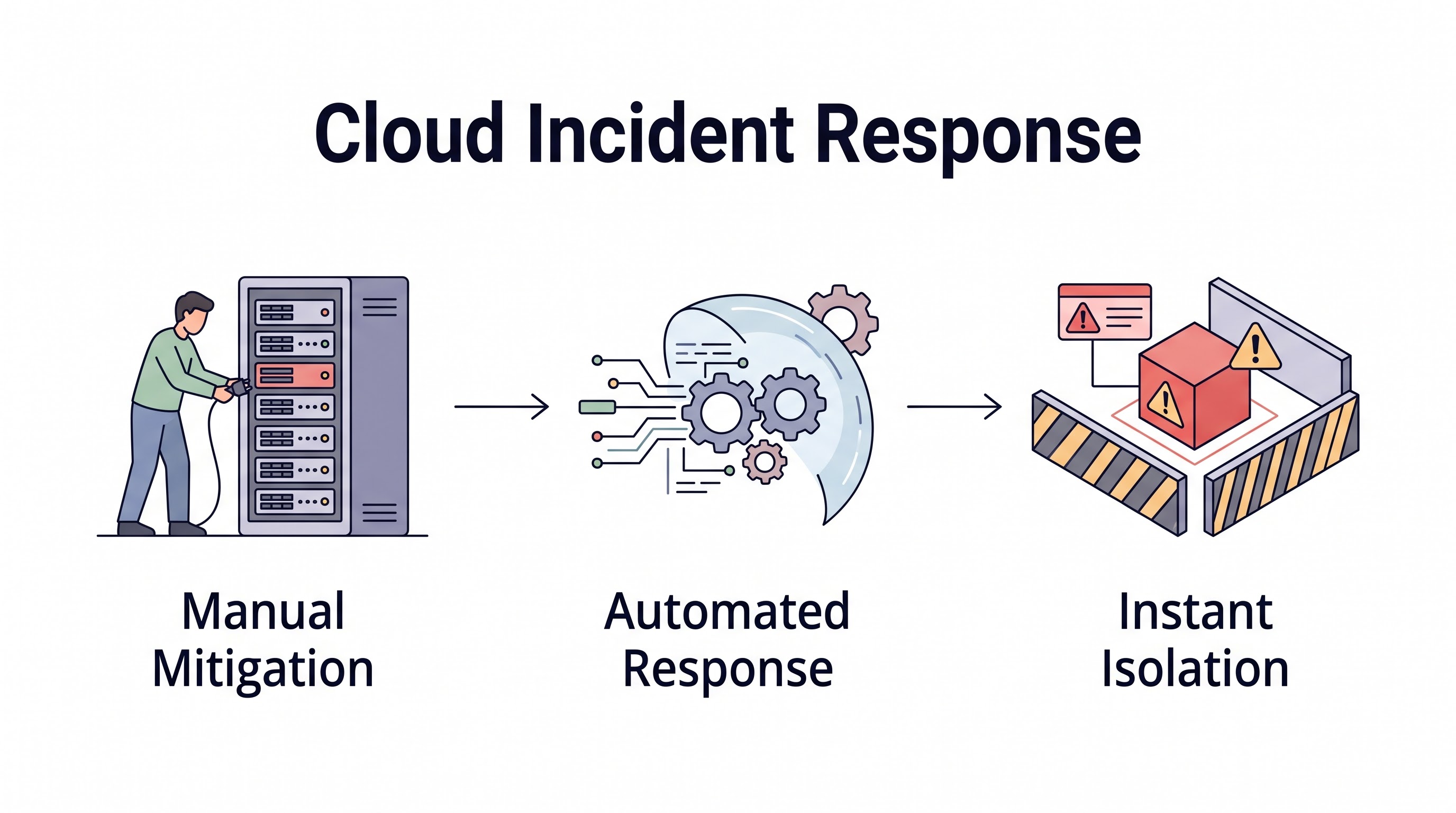
Executing these steps manually via the AWS Console while under extreme stress guarantees mistakes. Mature cloud organizations automate containment.
Using services like AWS EventBridge and AWS Lambda, you can build a system where a critical GuardDuty alert automatically triggers a serverless function that applies the Quarantine Security Group to the instance and revokes its IAM role within 3 seconds of the alert firing. This reduces the attacker's window of opportunity from hours to milliseconds.
Key Takeaway
Cloud Incident Response requires discipline and pre-planned playbooks. The immediate priority is containment via logical network isolation (Security Groups) and identity revocation (IAM deny policies). Crucially, engineers must resist the urge to terminate or reboot compromised resources, which destroys vital forensic evidence. Preserve the state via snapshots, analyze the logs to determine the blast radius, and progressively automate containment actions to outpace automated attacks.
All in One Place
Atler Pilot decodes your cloud spend story by bringing monitoring, automation, and intelligent insights together for faster and better cloud operations.