
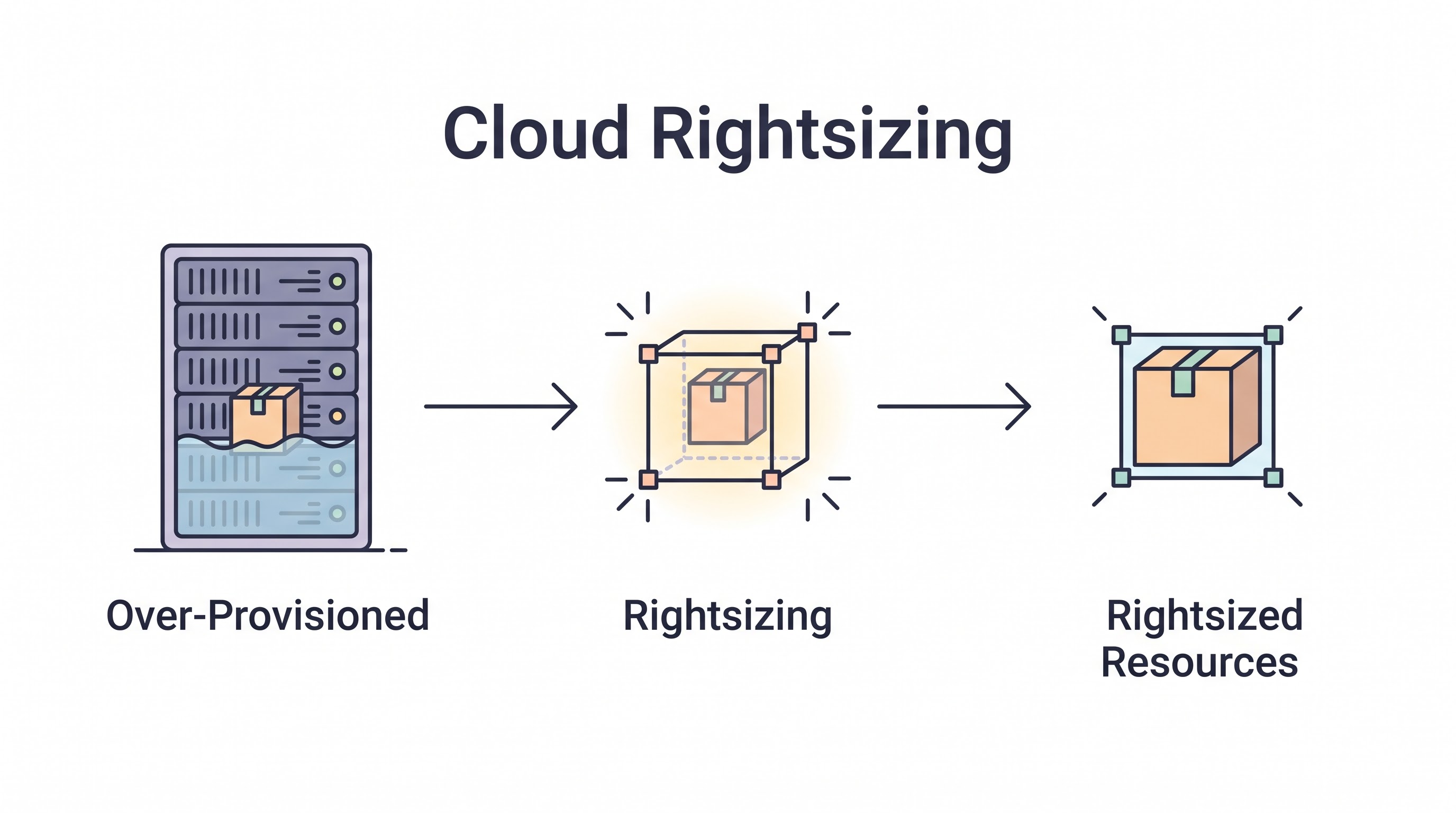
The Epidemic of Overprovisioning
If you audit a typical enterprise cloud environment that has not implemented a rigorous FinOps practice, you will inevitably discover the same statistic: average aggregate CPU utilization across the fleet is below 15%. The organization is paying for massive, highly capable virtual machines that are effectively sitting idle 24 hours a day.
This is the epidemic of overprovisioning. In an on-premises datacenter, overprovisioning was logical; you bought hardware to handle the peak load expected three years in the future. In the cloud, where you pay by the second, treating infrastructure as static is financial waste.
Cloud Rightsizing is the process of continuously matching the allocated resources (CPU, RAM, Storage, Network) to the actual workload demand. It is the single most effective tactical lever for reducing cloud compute costs, often yielding 20-40% savings with zero architectural changes.
Why We Overprovision (The Fear of Outages)
Engineers do not overprovision out of malice; they do it out of fear. A developer deploying a new microservice doesn't know exactly how much memory it will need under peak load. To avoid a catastrophic Out of Memory (OOM) crash that pages them at 3:00 AM, they provision an instance that is three times larger than their best estimate. "Better safe than sorry."
Rightsizing requires data. You cannot ask an engineer to downsize a critical production server without providing mathematical proof that the smaller instance can handle the load safely.
The CPU Utilization Trap
The most common mistake in rightsizing is relying solely on CPU utilization.
If an AWS m5.4xlarge instance (16 vCPUs, 64 GB RAM) averages 5% CPU utilization, the immediate assumption is that it should be downsized to an m5.xlarge (4 vCPUs, 16 GB RAM). However, if that server is running an in-memory caching database (like Redis) that is utilizing 60 GB of RAM, downsizing the instance will instantly crash the database, despite the low CPU usage.
The Hidden Bottlenecks: Memory and IOPS
Rightsizing requires a holistic view of four metrics:
CPU Utilization: (The easiest to track). Target average utilization should be between 40-60%, leaving room for burst capacity.
Memory (RAM) Utilization: Cloud providers (like AWS CloudWatch) do not track memory utilization by default, as it requires looking inside the OS. You must install a monitoring agent (e.g., the CloudWatch Agent or Datadog) to gather memory metrics. Rightsizing without memory data is highly dangerous.
Storage IOPS / Throughput: A database server might have low CPU and Memory usage, but it may be writing to the disk constantly. Downsizing the instance might inadvertently throttle the EBS volume's maximum IOPS, crippling database performance. (See the Database Optimization Guide).
Network Throughput: Smaller instance types have lower network bandwidth limits. If an instance serves massive media files, downsizing it might choke the network interface.
Modernizing Instance Families (Graviton/AMD)
Rightsizing is not just about making the instance smaller; it is about choosing the optimal instance family and generation.
Generational Upgrades: Cloud providers release new instance generations (e.g., moving from AWS
m5tom7i) every few years. The newer generations are almost always cheaper and faster. Simply upgrading the instance generation across your fleet is a free performance/cost win.Processor Architecture: Moving workloads from Intel (x86) to AMD (EPYC) processors usually yields a 10% price reduction. Moving to custom ARM processors (like AWS Graviton) can yield up to a 40% price-performance improvement. If your application code (Python, Node, Java) is compatible with ARM, migrating is a massive FinOps win.
Burstable Instances: For workloads that sit idle 90% of the time but occasionally need a burst of CPU (like a jump box or a low-traffic admin portal), switch from standard instances (
morcfamilies) to burstable instances (AWSt3/t4g, AzureB-series).
The 4-Step Rightsizing Process
Gather the Data: Ensure memory and disk metrics are being collected via agents. You need at least 14-30 days of data to account for weekly usage cycles and month-end batch processing spikes.
Identify the Candidates: Look for instances where max CPU and max Memory never exceed 20% over the 30-day period. Look for "zombie" instances (0-1% utilization).
Determine the Target: Use tools (see below) to find an instance type that matches the peak observed load, plus a 20% safety buffer.
Execute Safely: Downsize the instance during a maintenance window. Monitor intensely for 48 hours. If APM metrics show increased latency, revert the change immediately.
Rightsizing vs. Autoscaling
Rightsizing is finding the perfect baseline size for a single node. Autoscaling is dynamically adding or removing those nodes based on traffic. They must work together.
If you have an Auto Scaling Group (ASG) composed of massive c5.4xlarge instances, it can only scale in large, expensive chunks. If you rightsize the baseline instance down to a c5.large, the ASG can scale much more granularly and efficiently in response to minor traffic fluctuations.
Automating the Recommendations
Analyzing thousands of instances manually via spreadsheets is impossible. You must utilize tools.
Native tools like AWS Compute Optimizer use machine learning to analyze historical metrics and provide specific rightsizing recommendations (including identifying when you need to move to a different instance family, like memory-optimized r instances). More advanced FinOps platforms integrate these recommendations directly into developer workflows, calculating the exact dollar savings to prioritize the effort.
Key Takeaway
Overprovisioning is the default state of the cloud unless actively managed. Effective rightsizing requires data—specifically memory, IOPS, and network metrics, not just CPU. Establish a regular cadence (e.g., monthly) to review utilization data, aggressively terminate zombie instances, downgrade underutilized VMs, and continuously migrate workloads to newer, more cost-efficient processor architectures like ARM.
All in One Place
Atler Pilot decodes your cloud spend story by bringing monitoring, automation, and intelligent insights together for faster and better cloud operations.