
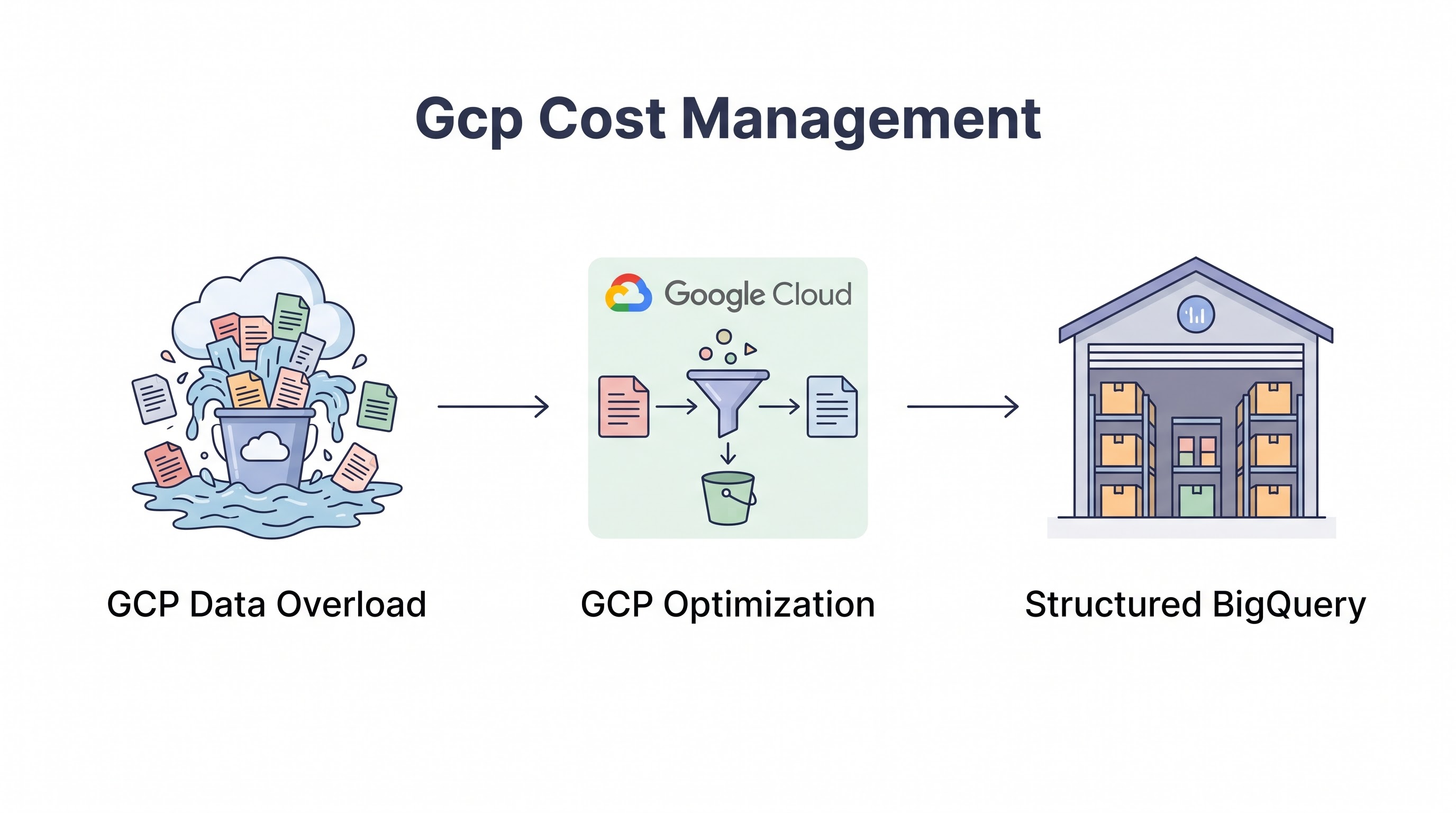
The Google Cloud Billing Paradigm
Google Cloud Platform (GCP) distinguishes itself with a billing model that heavily favors automation, analytics-driven pricing, and developer-friendly abstractions. While AWS leans on a vast array of specialized instance types and Azure intertwines with enterprise licensing, GCP emphasizes sustained use benefits, custom machine types, and the massive scale of BigQuery.
Managing costs in GCP requires a distinct mindset. The ease with which a developer can launch a globally distributed Kubernetes cluster or run a multi-terabyte query in seconds is GCP's greatest strength — and its primary source of budget overruns. Effective GCP cost management demands rigorous control over data processing services like BigQuery and tight optimization of containerized workloads in GKE.
This guide provides a comprehensive playbook for optimizing GCP spend in 2026, navigating from basic billing controls to advanced architectural optimizations.
Mastering GCP Native Billing Tools
The foundation of GCP FinOps is built upon the Cloud Billing console and its associated data exports.
Cloud Billing Reports and Budgets
The GCP Billing console provides intuitive reports to visualize spend by project, service, and SKU. However, visualization is reactive. Proactive control requires Cloud Billing Budgets and Alerts. Budgets can be set at the billing account or project level, triggering email notifications or Pub/Sub messages when spend approaches specified thresholds. Connecting budget alerts to a Pub/Sub topic allows you to build automated responses, such as capping API usage or triggering a Cloud Function to scale down non-critical resources when a budget is exceeded.
Cloud Billing Export to BigQuery
For enterprise-grade cost visibility, the standard reports are insufficient. You must enable Cloud Billing Export to BigQuery. This continuously streams detailed, record-level billing data into a BigQuery dataset.
Once the data is in BigQuery, teams can use Looker Studio or other BI tools to create highly customized dashboards, perform complex cost attribution using labels, and analyze historical trends with statistical rigor. This export is the prerequisite for any advanced GCP cost analysis.
GCP Compute: CUDs and SUDs
GCP offers unique pricing mechanisms that simplify compute discount management compared to other providers.
Sustained Use Discounts (SUDs)
Sustained Use Discounts are automatic. If an N1 or N2 compute instance runs for more than 25% of a billing month, GCP automatically applies a discount to the incremental usage, up to a 30% maximum discount for instances running 24/7. This built-in mechanic rewards stable workloads without requiring an upfront commitment, though it does not apply to all machine types (e.g., E2 instances are excluded).
Committed Use Discounts (CUDs)
For deeper savings, GCP offers Committed Use Discounts. Unlike AWS Standard RIs, resource-based CUDs in GCP are remarkably flexible. You commit to a specific amount of vCPU and memory in a particular region for 1 or 3 years. The discount (up to 57% for 3 years) applies to any VM instance in that region using those resources, regardless of the machine family (within the committed class) or the instance size.
GCP also offers Spend-based CUDs, which function similarly to AWS Compute Savings Plans, providing a discount in exchange for a commitment to spend a minimum amount per hour across eligible services (like Cloud Run or Cloud SQL).
Custom Machine Types
Instead of forcing workloads into predefined instance sizes, GCP allows you to define Custom Machine Types. If a workload requires 6 vCPUs and 24 GB of RAM, you can provision exactly that, rather than overpaying for an 8 vCPU / 32 GB instance. This capability significantly reduces the friction of cloud rightsizing.
Optimizing Google Kubernetes Engine (GKE)
GKE is the premier managed Kubernetes service, but unchecked cluster sprawl is a primary driver of GCP waste.
GKE Autopilot vs. Standard: GKE Autopilot manages the underlying infrastructure, billing you only for the vCPU, memory, and storage requested by your scheduled Pods. This eliminates node over-provisioning and simplifies cost management. For GKE Standard, you manage the nodes and must rigorously tune the Cluster Autoscaler.
Spot VMs in GKE: For batch jobs or fault-tolerant microservices, utilize Spot VMs in your GKE node pools. Spot VMs offer up to 91% discounts compared to standard pricing.
Rightsizing Pods: The Kubernetes Cost Management Guide emphasizes that cluster efficiency begins with accurate Pod resource requests. Use GCP's Cost Optimization hub or open-source tools to monitor actual utilization and adjust requests downward.
BigQuery Cost Control: From On-Demand to Slots
BigQuery is a powerful data warehouse, but its on-demand pricing model ($6.25 per TB of data scanned) can lead to catastrophic billing surprises if queries are poorly optimized.
Query Optimization Best Practices
Avoid
SELECT *: Only query the columns you need. BigQuery is a columnar database; querying unnecessary columns scans unnecessary data.Partitioning and Clustering: Always partition large tables (typically by a date/time column) and cluster them by frequently filtered columns. A query that filters on a partitioned column will only scan the relevant partitions, drastically reducing costs.
BigQuery Editions and Capacity Management
For organizations with significant BigQuery spend, the on-demand model becomes unpredictable. GCP offers BigQuery Editions (Standard, Enterprise, Enterprise Plus) based on capacity (Slots). Instead of paying per byte scanned, you purchase dedicated processing capacity.
Autoscaling slots allow BigQuery to automatically add capacity during peak usage and scale down to a baseline (or zero) during idle times. Transitioning from on-demand to autoscaled capacity requires careful analysis of query execution times versus cost, but it provides essential predictability for enterprise data teams.
GCP Storage and Network Efficiency
Cloud Storage Tiering
Utilize Object Lifecycle Management to transition data through GCP's storage classes: Standard (frequent access), Nearline (accessed < once a month), Coldline (accessed < once a quarter), and Archive (accessed < once a year). Moving backups and logs to Archive storage ($0.0012 per GB/month) yields massive savings. Use the Autoclass feature to automatically transition objects between storage classes based on access patterns.
Network Service Tiers
GCP uniquely offers two Network Service Tiers. The Premium Tier routes traffic over Google's high-performance global network. The Standard Tier routes traffic over the public internet. For workloads that do not require low-latency global delivery, switching to the Standard Tier can reduce egress costs by 20-30%.
GCP Labels and Organizational Policies
GCP uses 'labels' instead of 'tags' for resource metadata. Without consistent labeling, implementing chargeback is impossible.
Enforcing labels in GCP is typically handled via Organization Policies or through Infrastructure as Code (IaC) standards (e.g., Terraform default labels). Ensure critical labels like team, environment, and cost_center are applied to all projects, GKE clusters, and BigQuery datasets. Refer to the Cloud Tagging Strategy Guide for taxonomy design.
Scaling GCP FinOps
As GCP footprints grow, relying solely on native tools becomes a bottleneck. Integrating GCP billing data into a centralized FinOps platform like CloudAtler enables unified reporting alongside AWS and Azure. These platforms provide advanced anomaly detection, automate CUD purchasing recommendations based on multi-project usage, and deliver the executive-level reporting required to demonstrate FinOps ROI.
Key Takeaway
GCP cost management requires exploiting its unique architectural features. Maximize savings by utilizing custom machine types, relying on automated Sustained Use Discounts, and committing to flexible Resource-based CUDs. Tame GKE sprawl through Autopilot or aggressive node scaling. Above all, establish strict governance over BigQuery queries and transition high-volume workloads to capacity-based pricing to prevent data processing costs from undermining your cloud budget.
All in One Place
Atler Pilot decodes your cloud spend story by bringing monitoring, automation, and intelligent insights together for faster and better cloud operations.