
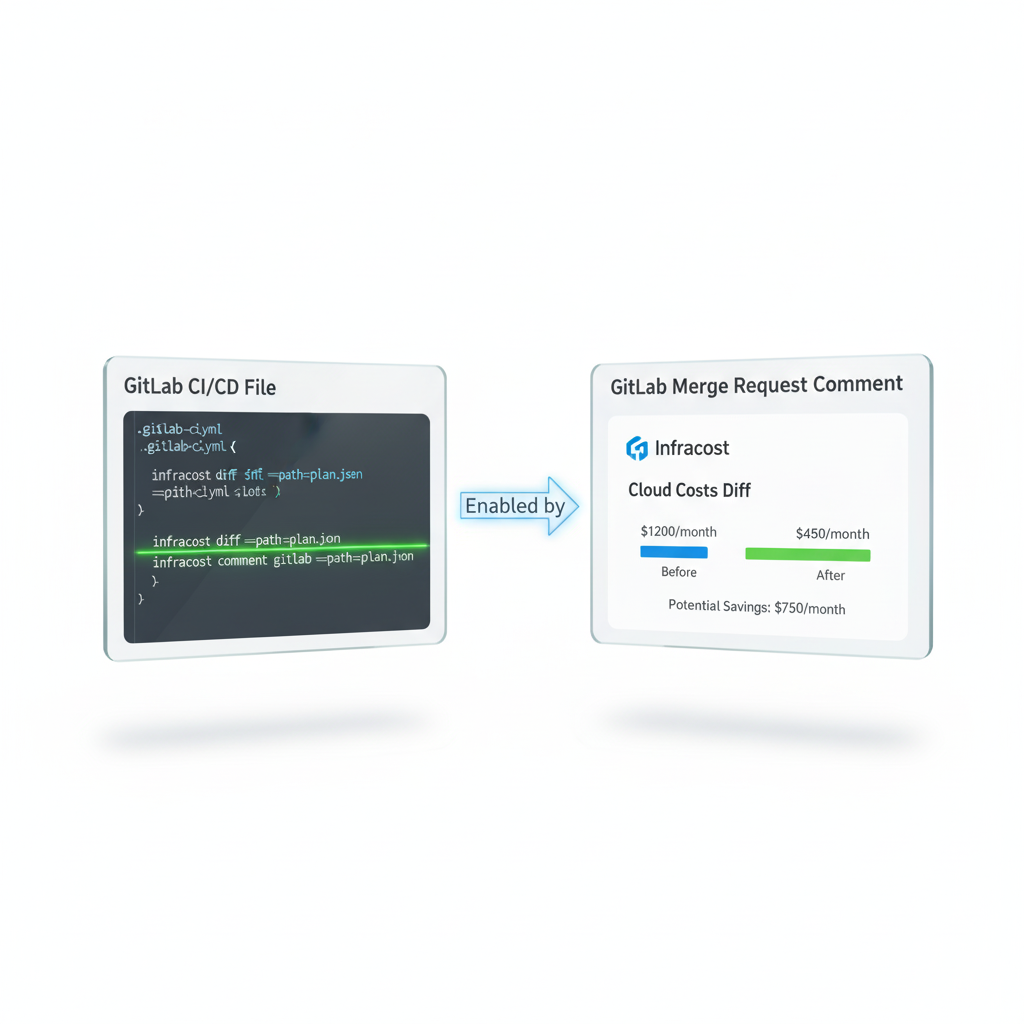
For teams using GitLab for their source code management and CI/CD, integrating cost visibility into the development workflow is a crucial step toward mature FinOps practices. By showing the cost impact of infrastructure changes directly within a merge request (MR), you empower engineers to make cost-conscious decisions and prevent budget surprises before code is merged. Infracost provides a straightforward integration with GitLab CI to achieve exactly this.
This guide will walk you through the step-by-step process of configuring your .gitlab-ci.yml file to run Infracost and post automated cost estimate comments in your GitLab merge requests.
Prerequisites: API Keys and Tokens
Before you configure your CI/CD pipeline, you need to set up two essential credentials and store them as secure CI/CD variables in your GitLab project.
Infracost API Key: Infracost uses a free API key to fetch up-to-date cloud pricing information. If you don't have it, install the Infracost CLI and run
infracost auth loginto register and get your key. Retrieve your key by runninginfracost configure get api_key. In your GitLab project, go to Settings > CI/CD and expand the Variables section. Add a new variable namedINFRACOST_API_KEY, paste your key as the value, and ensure it is "Masked" for security. Uncheck the "Protect variable" option so it can be used on all branches, including feature branches for MRs.GitLab Token: Infracost needs a GitLab token with API access to post comments on your merge requests. Create a Project Access Token by navigating to Settings > Access Tokens. Give the token a name (e.g.,
infracost-ci), select theMaintainerrole, and enable theapiscope. Copy the generated token immediately. Return to the CI/CD Variables section and add a new variable namedGITLAB_TOKEN. Paste the access token as the value, mask it, and uncheck the "Protect variable" box.
Configuring Your .gitlab-ci.yml File
With the variables in place, you can now define the CI/CD jobs in your .gitlab-ci.yml file. The following configuration uses a multi-stage approach to generate a cost baseline, calculate the difference, and post a comment to the merge request. This example assumes your Terraform code is in a subdirectory. You'll need to set a TF_ROOT variable to point to its location.
YAML
variables:
  # Set this to the relative path of your Terraform code
  TF_ROOT: 'path/to/your/terraform_code'

stages:
  - infracost

infracost:
  stage: infracost
  image:
    name: infracost/infracost:ci-0.10
    entrypoint: [""]
  script:
    # 1. Clone the target branch (e.g., main) to create a cost baseline
    - git clone $CI_REPOSITORY_URL --branch=$CI_MERGE_REQUEST_TARGET_BRANCH_NAME --single-branch /tmp/base
    # 2. Generate an Infracost JSON file from the baseline
    - infracost breakdown --path=/tmp/base/${TF_ROOT} \
                        --format=json \
                        --out-file infracost-base.json
    # 3. Generate an Infracost diff against the baseline
    - infracost diff --path=${TF_ROOT} \
                     --compare-to infracost-base.json \
                     --format=json \
                     --out-file=infracost.json
    # 4. Post the comment to the merge request
    - infracost comment gitlab --path=infracost.json \
                               --repo=$CI_PROJECT_PATH \
                               --merge-request=$CI_MERGE_REQUEST_IID \
                               --gitlab-server-url=$CI_SERVER_URL \
                               --gitlab-token=$GITLAB_TOKEN \
                               --behavior update
  rules:
    - if: '$CI_PIPELINE_SOURCE == "merge_request_event"'
How the GitLab CI Job Works
This configuration defines a single job named infracost that runs only for merge request events. Let's break down the script commands:
Clone Target Branch: The pipeline first clones the target branch of the merge request (e.g.,
mainordevelop) into a temporary directory. This code represents the "before" state of your infrastructure and is used to generate a cost baseline.Generate Baseline: It then runs
infracost breakdownon the cloned target branch code. The--format=jsonand--out-fileflags save the cost snapshot to a file namedinfracost-base.json.Generate Diff: Next, the job runs
infracost diffon the code from the MR's source branch (the current working directory). The--compare-toflag points to the baseline file, instructing Infracost to calculate the difference between the "before" and "after" states. This difference is saved toinfracost.json.Post Comment: Finally, the
infracost comment gitlabcommand is executed. It uses the generated diff file and several GitLab predefined CI/CD variables ($CI_PROJECT_PATH,$CI_MERGE_REQUEST_IID, etc.) to identify the correct merge request. The--gitlab-token=$GITLAB_TOKENflag uses the secure variable you configured to authorize the API call. The--behavior updateflag ensures that a single comment is created and updated on subsequent pushes to the MR, preventing notification spam.
Testing and Verifying the Integration
Once you commit the .gitlab-ci.yml file, the integration is live. To test it:
Create a new feature branch from your main branch.
Make a cost-impacting change to a
.tffile within the directory specified byTF_ROOT. For example, change an instance size or add a new resource.Commit the change and open a new merge request.
Navigate to the merge request in the GitLab UI. You will see the infracost pipeline job running. Once it completes successfully, a comment from Infracost will appear in the MR's discussion thread, detailing the monthly cost increase or decrease resulting from your changes.
Advanced Use Cases and Considerations
The setup above covers the most common scenario, but the Infracost GitLab integration is flexible enough to handle more complex setups.
Terragrunt Projects: Infracost automatically detects Terragrunt projects. The same CI configuration can be used, but you may need to adjust the
TF_ROOTvariable to point to the root of your Terragrunt repository.Monorepos with Multiple Projects: For repositories containing multiple, independent Terraform projects, you can use an
infracost.ymlconfiguration file to define each project. Infracost will then generate a combined report in the merge request comment.Policy Enforcement: You can extend this pipeline to enforce cost policies. By integrating with Open Policy Agent (OPA) or Sentinel, you can configure the CI job to fail if a change violates a predefined budget or governance rule, effectively blocking costly merges.
Docker Images: The example uses
infracost/infracost:ci-0.10. It is best practice to use a versioned image (e.g.,ci-0.10) rather thanci-latestto prevent unexpected breaking changes in your pipeline.
Conclusion
By integrating Infracost into your GitLab CI pipeline, you embed cost awareness directly into your team's existing workflow. This simple automation provides a powerful feedback loop, transforming merge requests into a forum for discussing not just code quality and functionality, but also financial impact. This proactive approach to FinOps helps eliminate surprises on your cloud bill, fosters a culture of cost accountability, and ultimately leads to more efficient and sustainable cloud infrastructure.
All in One Place
Atler Pilot decodes your cloud spend story by bringing monitoring, automation, and intelligent insights together for faster and better cloud operations.