
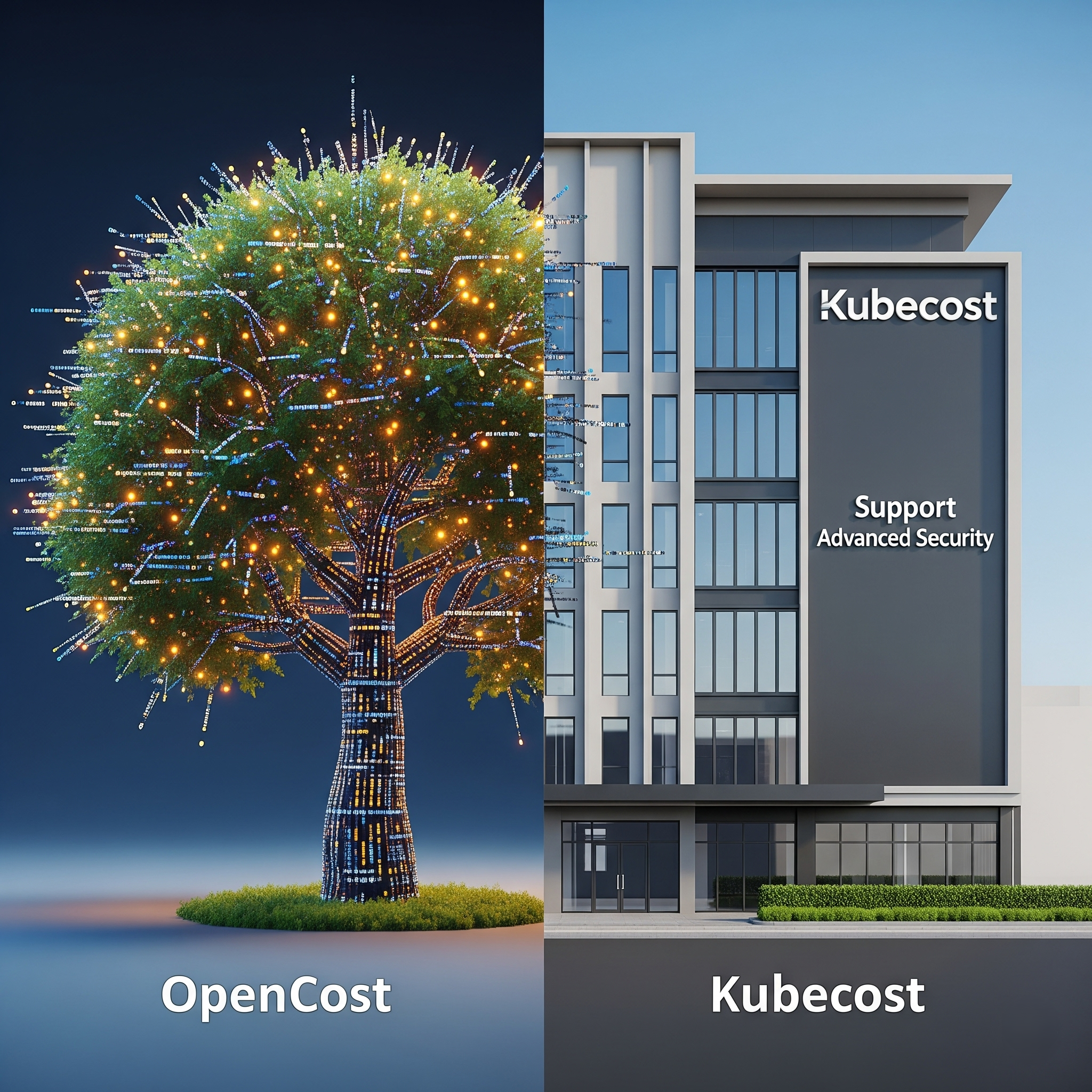
When it comes to monitoring Kubernetes costs, two names dominate the conversation: Kubecost and OpenCost. The relationship between them can be confusing, as they share a significant amount of DNA—in fact, Kubecost was the primary developer of the engine that OpenCost is built on. However, they represent two distinct approaches: one is a commercial product, and the other is an open-source project. This comparison breaks down the key differences to help you make an informed decision.
The Core Difference: Product vs. Project
The most fundamental distinction is their governance and business model.
Kubecost: Is a commercial product developed and sold by a company (now part of IBM/Apptio). It has a polished user interface, enterprise features, and dedicated support. It is offered in both free and paid tiers.
OpenCost: Is a vendor-neutral, open-source project licensed under Apache 2.0. It was donated to the Cloud Native Computing Foundation (CNCF) and is governed by a community. It is, and always will be, free to use.
Essentially, OpenCost is the open-source core, while Kubecost is the enterprise-ready product built on top of that core, with additional proprietary features.
Feature Comparison: What Do You Get with Each?
Both tools provide essential capabilities for in-cluster cost monitoring.
Feature | OpenCost | Kubecost (Free Tier) | Kubecost (Enterprise) |
Core Cost Allocation Engine | Yes (shared codebase) | Yes (shared codebase) | Yes (shared codebase) |
Real-Time Cost Monitoring | Yes (namespace, etc.) | Yes | Yes |
Pricing Model | Free (open source) | Freemium (up to 250 cores) | Paid Subscription |
Metric Retention | Configurable | 15 days | Unlimited |
User Interface | Basic UI, often used with Grafana | Polished, user-friendly UI | Polished UI with advanced features |
Cost Saving Recommendations | No | Basic | Advanced & customizable |
Out-of-Cluster Cost Monitoring | Limited | Limited | Yes (for shared resources, RDS, etc.) |
Alerting & Governance | Via Prometheus/Grafana | Basic | Advanced (budgets, alerts, RBAC) |
Support | Community-driven | Community-driven | Dedicated Enterprise Support |
Cost Monitoring and Allocation
Both OpenCost and the free tier of Kubecost provide excellent real-time allocation of in-cluster costs. The primary difference lies in the user experience. Kubecost offers a more polished, out-of-the-box UI, while OpenCost is often used as a data source for custom Grafana dashboards, which requires more setup effort.
Cost Optimization and Recommendations
This is a major differentiator. OpenCost does not provide cost-saving recommendations. It is purely a monitoring and allocation tool. Kubecost, even in its free tier, provides basic recommendations. The Enterprise version offers more advanced, customizable recommendations, making it a more "action-oriented" tool.
Out-of-Cluster Costs
This is another critical distinction. A microservice in Kubernetes often depends on an external database (like RDS). OpenCost has very limited capabilities for tracking these costs. Kubecost's Enterprise version has features designed to ingest and allocate these external costs, providing a more complete picture.
Governance and Alerting
OpenCost relies on the broader open-source ecosystem (Prometheus Alertmanager). Kubecost Enterprise builds these features directly into the product, offering sophisticated budgeting, automated alerts, and Role-Based Access Control (RBAC).
Pricing and Total Cost of Ownership
OpenCost is free software, but you are responsible for the cost of the infrastructure it runs on (Prometheus, Grafana), which is typically small.
Kubecost has a free tier with limitations. The paid Enterprise tiers are priced based on the size of the environment, which can become a significant expense.
Conclusion: Which One is Right for You?
The choice depends on your organization's maturity, resources, and specific needs.
Choose OpenCost if:
You are committed to using 100% open-source tooling.
You have a strong platform engineering team with the expertise to build custom monitoring solutions.
Your primary need is accurate in-cluster cost allocation for showback.
Choose Kubecost if:
You want a polished, out-of-the-box solution with minimal setup.
You need built-in cost-saving recommendations, alerting, and governance features.
You require enterprise support.
Allocating out-of-cluster costs within the same platform is a high priority.
All in One Place
Atler Pilot decodes your cloud spend story by bringing monitoring, automation, and intelligent insights together for faster and better cloud operations.