
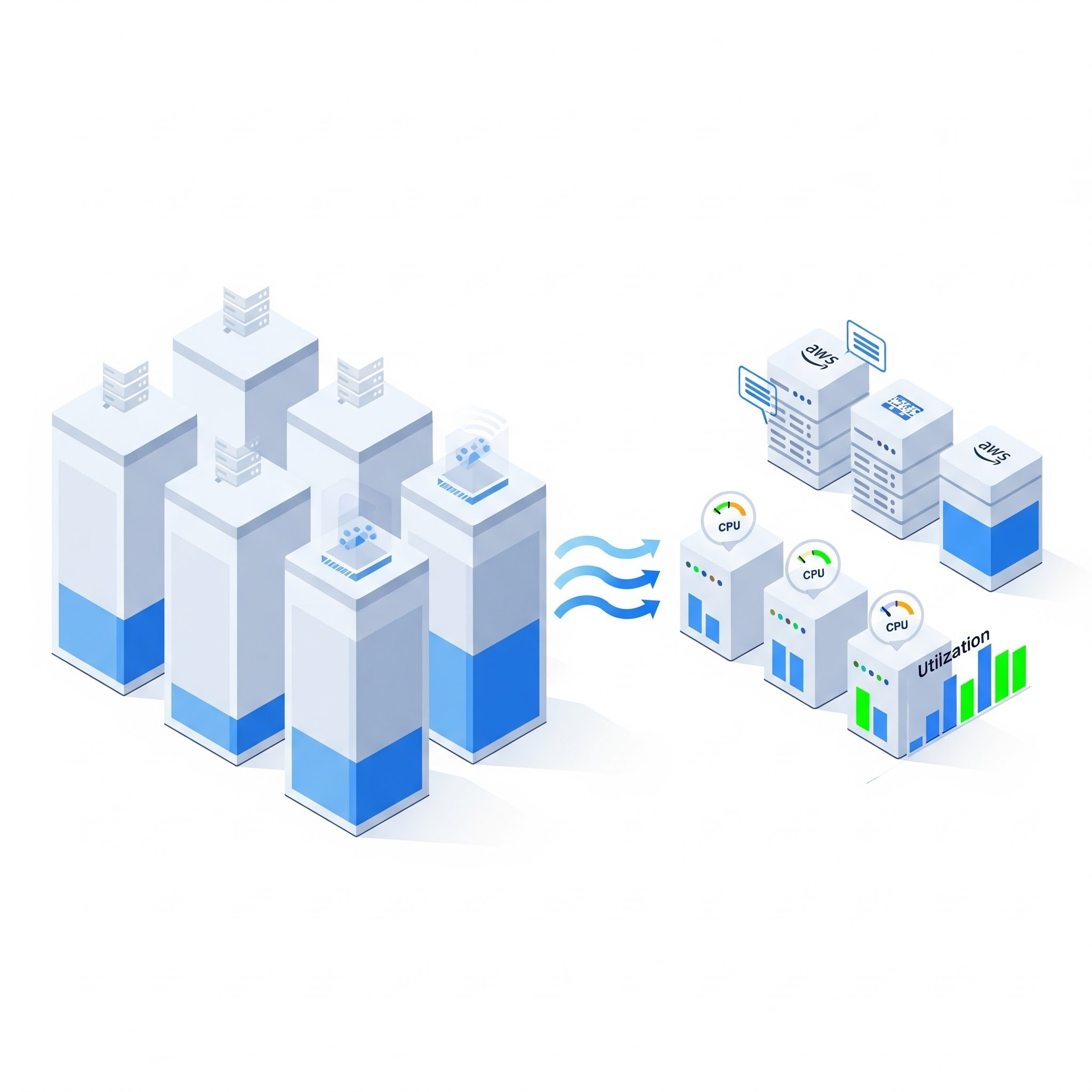
One of the single most effective strategies to reduce AWS costs is right-sizing EC2 instances. Most of the time, instances are provisioned with more CPU and memory than they actually need, leading to significant and continuous cloud waste. This guide provides a simple framework for identifying and acting on right-sizing opportunities.
Step 1: Gather the Right Data (Don't Trust Your Gut)
You cannot right-size effectively based on assumptions. You need to look at historical utilization data over a meaningful period (at least 14-30 days) to understand the real workload patterns. The key metrics to analyze in Amazon CloudWatch are:
CPUUtilization (look at the maximum, not the average)
Memory Utilization (requires the CloudWatch agent)
NetworkIn / NetworkOut
EBSReadOps / EBSWriteOps
Step 2: Identify Underutilized Instances
An underutilized instance is typically one where the maximum CPU and memory utilization consistently stay below a certain threshold (e.g., 40%). A good cloud cost analysis tool can automate this process, generating a prioritized list of right-sizing candidates. Be careful with "burstable" instance types (T-family), as their CPU credit mechanism can make utilization patterns misleading.
Step 3: Choose the Right Instance Family
Don't just shrink an instance within the same family (e.g., from m5.2xlarge to m5.xlarge). Consider if a different instance family would be a better fit.
General Purpose (M-family): Good for a balance of CPU, memory, and network.
Compute Optimized (C-family): Best for CPU-intensive workloads.
Memory Optimized (R-family): Ideal for memory-intensive applications like databases.
Graviton (ARM-based): Offers significantly better price-performance for many workloads, but requires your application to be compatible.
Step 4: Test and Implement Safely
Never right-size a production instance without testing. The safest approach is to implement the change in a staging environment first and monitor its performance under load. Once validated, apply the change during a maintenance window.
By making right-sizing a continuous process rather than a one-time event, you can eliminate cloud waste and ensure you're only paying for the resources you truly need.
All in One Place
Atler Pilot decodes your cloud spend story by bringing monitoring, automation, and intelligent insights together for faster and better cloud operations.