
The Promise and Peril of Pay-Per-Request
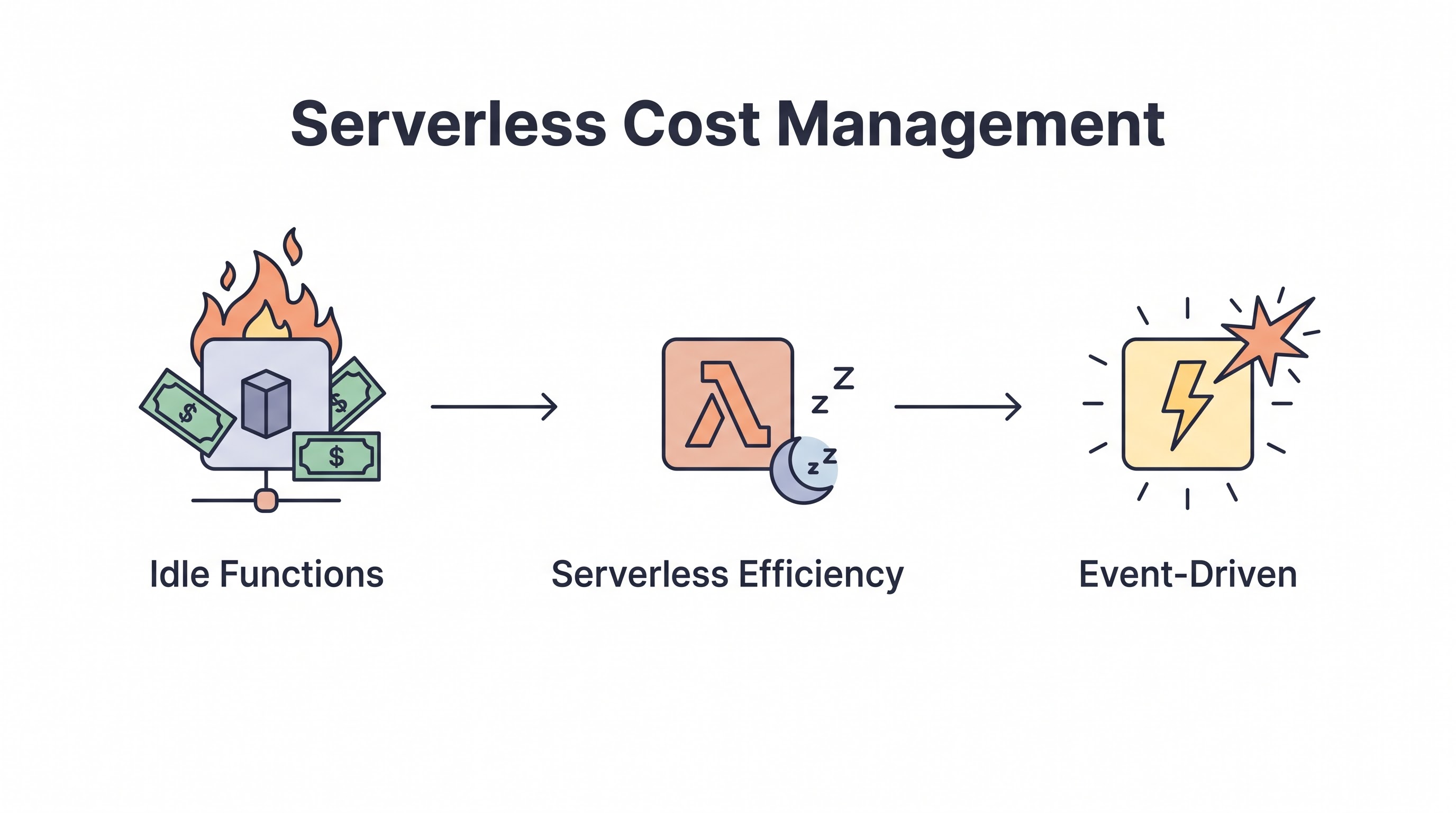
The marketing pitch for serverless computing (AWS Lambda, Azure Functions) is irresistible: "Never pay for idle. You only pay when your code is executing." For unpredictable, low-volume workloads, serverless represents the ultimate FinOps victory, frequently reducing compute bills by 90% compared to running 24/7 EC2 instances.
However, serverless economics are a double-edged sword. As a startup scales into an enterprise processing tens of thousands of requests per second, the math flips. The "pay-per-request" premium becomes prohibitively expensive. A highly optimized EC2 or Kubernetes cluster will almost always be cheaper than Lambda at a massive, continuous scale.
This guide explores the specific mechanisms of serverless billing and provides the technical optimizations required to keep Lambda costs under control before you are forced to re-architect.
How Serverless Billing Actually Works
To optimize Lambda, you must understand exactly what you are paying for. AWS Lambda charges based on two dimensions:
Requests: A flat fee per 1 million requests (e.g., $0.20 per million). For most applications, this cost is negligible.
Compute Duration (GB-Seconds): This is where the money is spent. You are billed for the duration your code executes (measured in milliseconds) multiplied by the amount of memory allocated to the function. If you allocate 1GB of RAM and the function runs for 1 second, you are billed for 1 GB-Second.
The Primary Lever: The Memory Dial
In AWS Lambda, memory is the only dial you can turn. You cannot explicitly allocate more CPU. When you increase the memory allocation for a function, AWS automatically allocates a proportional amount of CPU power and network bandwidth.
This creates a counter-intuitive dynamic: increasing the memory allocation can actually lower your bill.
Consider a compute-heavy function. If you allocate 128MB of RAM, the function might be severely CPU-starved and take 10 seconds to execute. If you allocate 1024MB of RAM, the function receives significantly more CPU power and might execute in 1 second. Even though the memory cost rate is higher, the massive reduction in duration (from 10 seconds to 1) means the total billed GB-Seconds is lower. You get a faster application and a lower cloud bill.
Automating Optimization: AWS Lambda Power Tuning
Finding the perfect balance between memory, execution time, and cost is impossible to do manually across hundreds of functions. You must use tools.
The AWS Lambda Power Tuning open-source project is the standard solution. It automatically runs a specific Lambda function using multiple different memory configurations (e.g., 128MB, 512MB, 1024MB, 3008MB) and graphs the execution time against the cost. This allows engineers to visualize the exact point of diminishing returns and mathematically select the optimal memory allocation for every function.
The Hidden Cost: API Gateway
A massive blind spot in serverless cost management is the API Gateway. To expose a Lambda function as a REST API, you must route it through an API Gateway.
At high volumes, the Amazon API Gateway is frequently more expensive than the underlying Lambda function it is triggering. If your API simply passes JSON payloads directly to Lambda without requiring advanced request validation, API keys, or rate limiting, you are overpaying.
The Mitigation: Migrate from REST APIs to HTTP APIs. AWS introduced HTTP APIs as a streamlined, faster, and up to 70% cheaper alternative to REST APIs. If you don't need the legacy heavyweight features, HTTP APIs are an immediate FinOps win.
The SQS Polling Anti-Pattern
Event-driven architectures frequently use Lambda to process messages from an SQS queue. If misconfigured, this leads to financial waste.
If you configure Lambda to process 1 message at a time, and 1,000 messages hit the queue, Lambda spins up 1,000 execution environments. This maximizes the "Cold Start" penalty and maximizes billed duration.
The Mitigation: Always utilize Batch Processing. Configure Lambda to pull 10 or 100 messages from the queue at a time. A single Lambda execution environment processes the entire batch sequentially, drastically reducing overhead, cold starts, and total billed duration.
Preventing "Denial of Wallet" Attacks
The beauty of serverless is infinite, immediate elasticity. If a malicious botnet launches an HTTP flood against your API Gateway, AWS will cheerfully spin up 10,000 concurrent Lambda instances to handle the traffic. Your site will not go down, but your bill will increase by $10,000 in an hour.
As detailed in the Serverless Security Guide, you must implement strict Reserved Concurrency limits on your functions. This sets a hard cap on how many concurrent instances can run, acting as a financial circuit breaker against runaway scaling.
When to Leave Serverless
Serverless is not a religion; it is a tool. FinOps requires recognizing when the tool is no longer appropriate.
If a microservice is receiving a massive, predictable, constant stream of traffic 24 hours a day (e.g., a high-volume stream processor), the per-request premium of Lambda will become punitive. At this scale, the engineering effort required to refactor the function into a container and deploy it to Amazon EKS running on heavily discounted Spot Instances will yield massive ROI.
Key Takeaway
Serverless cost management requires understanding the interplay between memory and duration. Utilize the AWS Lambda Power Tuning tool to find the mathematical "sweet spot" where increased memory allocation actually lowers the total execution cost. Protect your budget against runaway scaling by enforcing concurrency limits, and be prepared to migrate highly predictable, massive-scale workloads back to containers when the per-request economics no longer make sense.
All in One Place
Atler Pilot decodes your cloud spend story by bringing monitoring, automation, and intelligent insights together for faster and better cloud operations.