
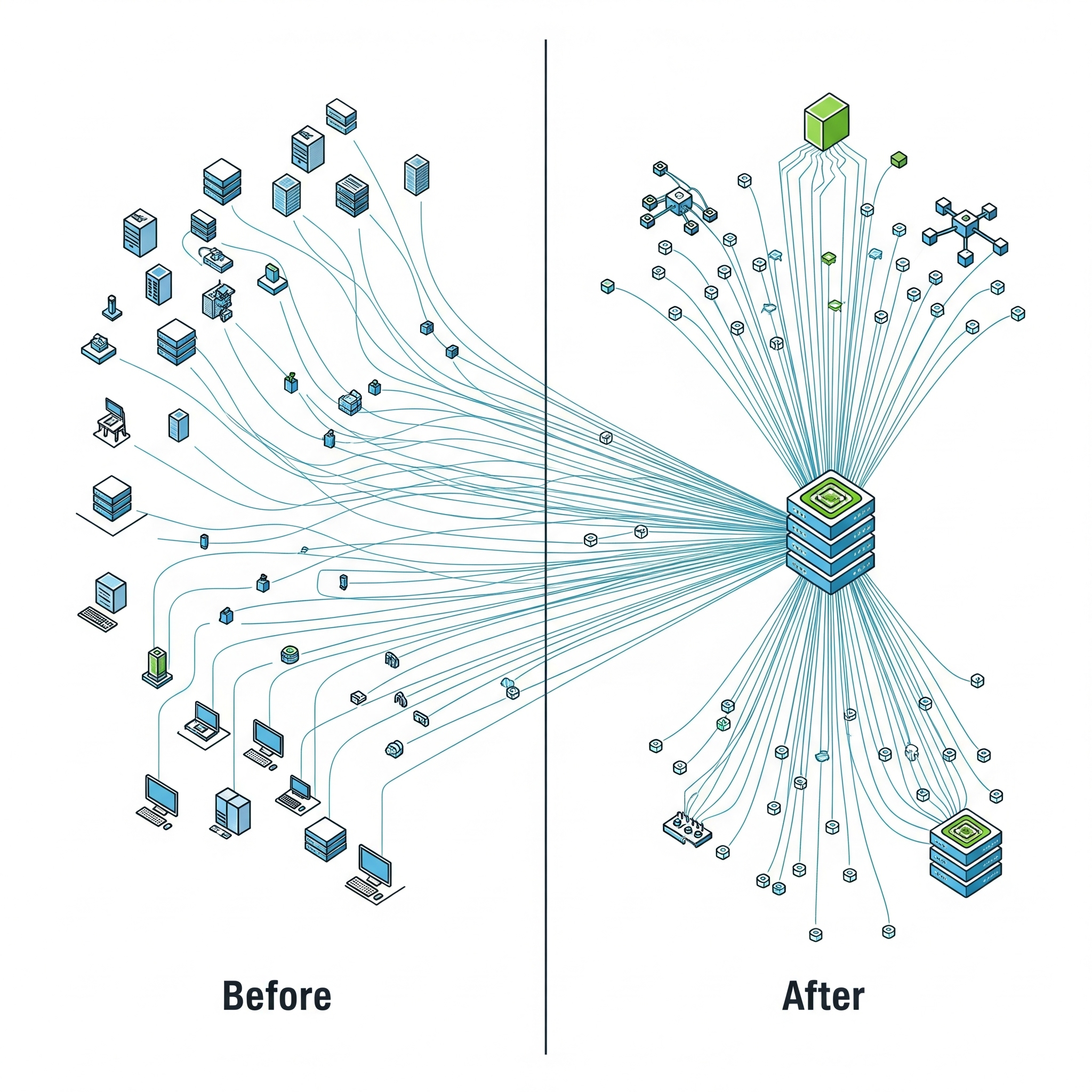
Deploying machine learning models for real-time inference on Amazon SageMaker is powerful, but the standard approach of deploying each model to its own dedicated endpoint can become incredibly expensive and inefficient when you need to host hundreds or thousands of models. Each endpoint incurs a 24/7 cost for its underlying instance, and if many of those models receive only sporadic traffic, you end up paying for a massive fleet of underutilized resources.
To solve this, AWS offers a powerful feature:
SageMaker Multi-Model Endpoints (MMEs). Leveraging MMEs is a critical strategy for optimizing your multi-model SageMaker endpoint cost.
The Problem: The High Cost of Idle Endpoints
Imagine you have 100 different models, each deployed to its own GPU-powered endpoint. Even if each model serves only a few requests per hour, you are paying for 100 separate GPU instances to run continuously. This leads to:
High Infrastructure Costs: The cumulative hourly cost becomes a massive line item on your AWS bill.
Low GPU Utilization: The expensive GPU on each endpoint sits idle most of the time, representing a huge amount of wasted capacity.
The Solution: SageMaker Multi-Model Endpoints
MMEs are designed specifically for this scenario, allowing you to host thousands of models on a single, shared endpoint.
How it Works: Instead of a dedicated instance for each model, you provision a single fleet of instances for the MME. When a request arrives, SageMaker intelligently routes it to an instance and dynamically loads the target model from S3 into memory to serve the prediction. SageMaker manages the caching and unloading of models based on traffic patterns.
The Benefit: By sharing a common pool of compute resources, you can dramatically increase overall GPU utilization and serve the same number of models with a fraction of the infrastructure.
Key Benefits of Using Multi-Model Endpoints
Drastic Cost Reduction: By consolidating many models, you can reduce your instance count by 90% or more.
Simplified Management: You manage a single, scalable MME instead of hundreds of individual endpoints.
Scalability: MMEs can be configured with autoscaling policies to handle changes in overall traffic.
Best Practices and Considerations for MMEs
When to Use MMEs:
Large Number of Models: Ideal when you have dozens to thousands of models.
Sporadic Traffic Patterns: Works best when individual models receive infrequent or intermittent traffic.
Homogeneous Models: Most efficient when models are of a similar size and use the same ML framework (e.g., all PyTorch).
When to Use Single-Model Endpoints:
High, Sustained Traffic: If a single model receives very high and constant traffic, it will likely be more cost-effective on its own dedicated endpoint.
Ultra-Low Latency Requirements: The dynamic loading of models in an MME can introduce a "cold start" latency for the first request. For applications with strict, sub-millisecond latency requirements, a dedicated endpoint is often better.
Conclusion
For organizations deploying a large number of ML models, SageMaker Multi-Model Endpoints are an indispensable tool for cost optimization. They allow you to break the linear relationship between the number of models you host and your infrastructure costs, enabling you to scale your ML offerings massively while keeping your inference budget under control.
All in One Place
Atler Pilot decodes your cloud spend story by bringing monitoring, automation, and intelligent insights together for faster and better cloud operations.