
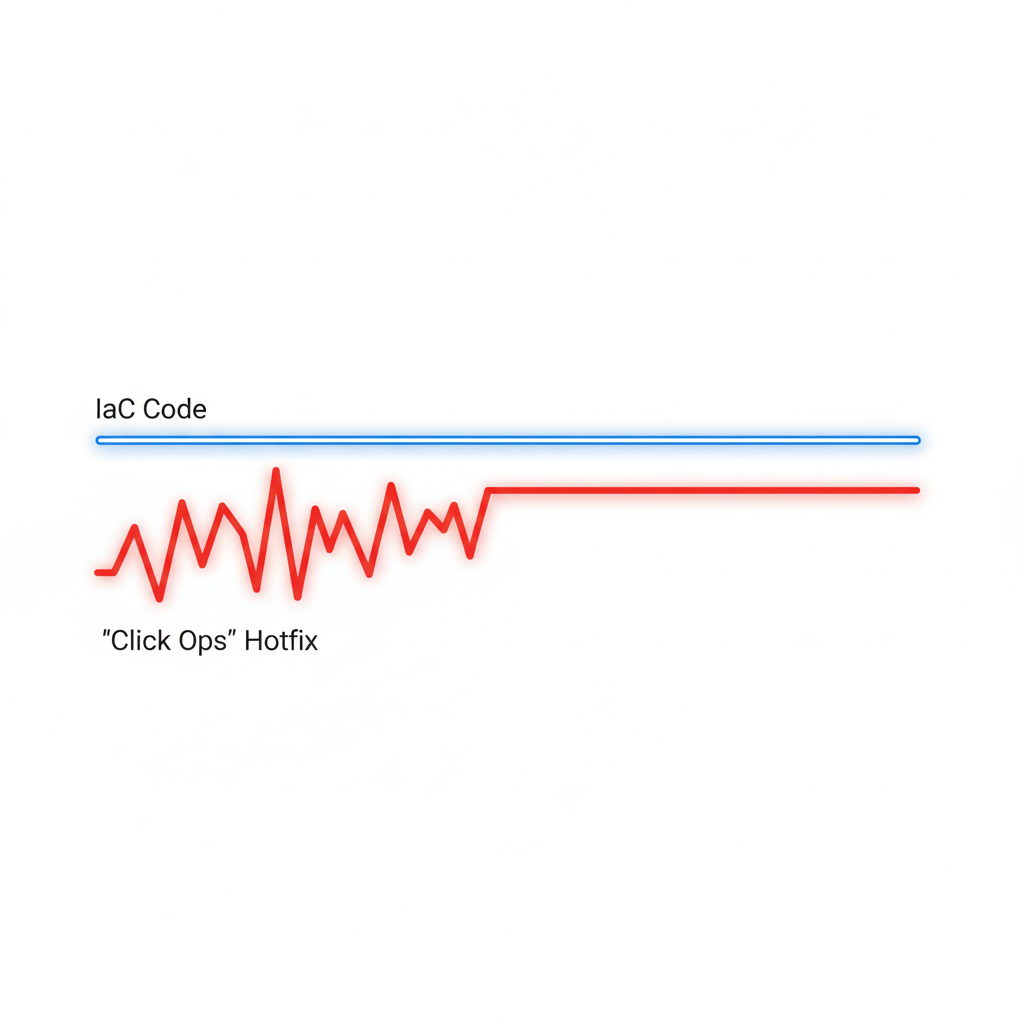
Terraform is an immensely powerful tool for managing infrastructure as code, but with great power comes the potential for costly mistakes. A simple oversight or a well-intentioned shortcut can lead to budget overruns, security vulnerabilities, or even production downtime. Most of these errors aren't caused by the tool itself, but by a lack of process or a misunderstanding of its core concepts. The good news is that these common pitfalls are entirely avoidable. By understanding the most frequent mistakes and implementing disciplined best practices, you can ensure your Terraform workflows are safe, predictable, and cost-effective.
1. Storing State Files Locally
This is perhaps the most common mistake for beginners and one of the most dangerous. The terraform.tfstate file is the heart of your project; it maps your code to real-world resources.
The Mistake: Keeping the state file on a local laptop or, even worse, committing it to a Git repository.
The Costly Impact:
Collaboration Chaos: If multiple team members work on the same infrastructure, they will have different versions of the state file, leading to overwritten changes and resource conflicts.
Data Loss: If the local machine is lost or the file is corrupted, Terraform loses track of the infrastructure, making future updates impossible without manual and risky intervention.
Security Leaks: State files can contain sensitive information in plain text. Committing them to Git exposes these secrets to anyone with access to the repository.
How to Prevent It: Always use a remote backend. Services like AWS S3 (with DynamoDB for locking), Azure Blob Storage, or Terraform Cloud are designed to store state securely and centrally. They provide state locking to prevent simultaneous operations, version history, and encryption, which are essential for team collaboration.
2. Not Understanding and Managing State Drift
State drift occurs when the actual state of your infrastructure in the cloud no longer matches what's recorded in the Terraform state file.
The Mistake: Making manual changes to infrastructure directly through the cloud provider's console (often called "click ops"), usually as a quick "hotfix" for an urgent issue.
The Costly Impact: The next time someone runs
terraform apply, Terraform will see the manual change as an unauthorized deviation and "correct" it by reverting it to match the code. This can re-introduce the very problem the hotfix was meant to solve, often causing downtime during business hours. In one documented case, a manual security group fix was automatically removed by Terraform, breaking a production service.How to Prevent It: Cultivate a strict "code-only" policy for infrastructure changes. Run
terraform planfrequently to detect drift early. If a manual change is unavoidable in an emergency, the very next step should be to import the change into Terraform's state withterraform importor update the code to reflect the new reality.
3. Hardcoding Values Instead of Using Variables
Hardcoding values like region names, instance sizes, or AMI IDs directly into your .tf files is a recipe for future pain.
The Mistake: Writing static values directly in resource blocks, such as
instance_type = "t2.large".The Costly Impact: This makes your code completely non-reusable. To create a new environment (e.g., staging), you have to copy-paste the entire configuration and manually change every value. This is error-prone, a maintenance nightmare, and often leads to costly inconsistencies where a dev environment is accidentally provisioned with production-sized (and priced) resources.
How to Prevent It: Use input variables for any value that might change between environments. Define your variables in
variables.tfand provide environment-specific values through.tfvarsfiles (e.g.,dev.tfvars,prod.tfvars). This keeps your configuration DRY (Don't Repeat Yourself).
4. Not Pinning Provider and Module Versions
By default, Terraform will pull the latest version of providers and modules during terraform init. While this seems convenient, it's a ticking time bomb.
The Mistake: Omitting version constraints in
required_providersblocks and module sources.The Costly Impact: A provider or module author can release a new version with breaking changes. The next time you run
init, your workflow will automatically pull this new version, and your previously working code will suddenly fail. This can cause unexpected deployment failures and significant delays while you debug the breaking change.How to Prevent It: Always pin your provider and module versions using version constraints (e.g.,
version = "~> 4.0"). This ensures your deployments are repeatable and predictable, and it allows you to upgrade dependencies in a controlled and tested manner.
5. Not Using Modules for Reusable Code
As your infrastructure grows, you'll find yourself defining the same combination of resources over and over again.
The Mistake: Copy-pasting the same blocks of HCL code across different projects or environments.
The Costly Impact: This leads to massive code duplication, making maintenance a nightmare. If you need to update a security group rule, you have to find and change it in dozens of places, increasing the risk of errors and inconsistencies. It also makes it impossible to enforce cost-saving standards.
How to Prevent It: Create reusable modules for common infrastructure patterns. A module encapsulates a set of resources into a single, configurable unit. This promotes code reuse, simplifies maintenance, and allows you to codify best practices (including cost-effective defaults) in one place.
6. Skipping terraform plan
The terraform plan command is your most important safety mechanism. It shows you exactly what changes Terraform intends to make before it makes them.
The Mistake: Running
terraform applydirectly, often with the-auto-approveflag in a misguided attempt at automation.The Costly Impact: This is like driving blindfolded. A small typo or a misunderstanding of a change could lead to the unintended destruction or recreation of critical resources, causing data loss or major outages.
How to Prevent It: Always run
terraform planand carefully review the output before applying. In a team environment, this review process should be enforced through CI/CD pipelines and pull request-based workflows, where a plan is generated and must be approved by a peer before it can be applied.
7. Poor Secret Management
Infrastructure code often needs access to sensitive information like API keys, database passwords, or certificates.
The Mistake: Storing secrets in plain text in
.tffiles or.tfvarsfiles and committing them to version control.The Costly Impact: This is a massive security risk. If the repository is ever compromised or made public, your secrets are immediately exposed, which can lead to catastrophic data breaches and financial loss.
How to Prevent It: Use a dedicated secrets management tool like HashiCorp Vault, AWS Secrets Manager, or Azure Key Vault. Your Terraform code can then dynamically fetch these secrets at runtime. At a minimum, mark input variables that contain secrets as
sensitive = trueto prevent them from being displayed in logs and plan outputs.
Conclusion
Most costly Terraform mistakes are not complex technical failures but simple process errors. By adopting a disciplined approach—using remote state, managing drift, leveraging variables and modules, pinning versions, reviewing plans, and securing secrets—you can avoid these common pitfalls. These best practices will make your infrastructure more predictable, repeatable, and secure, allowing you to scale with confidence and keep your cloud costs under control.
All in One Place
Atler Pilot decodes your cloud spend story by bringing monitoring, automation, and intelligent insights together for faster and better cloud operations.