
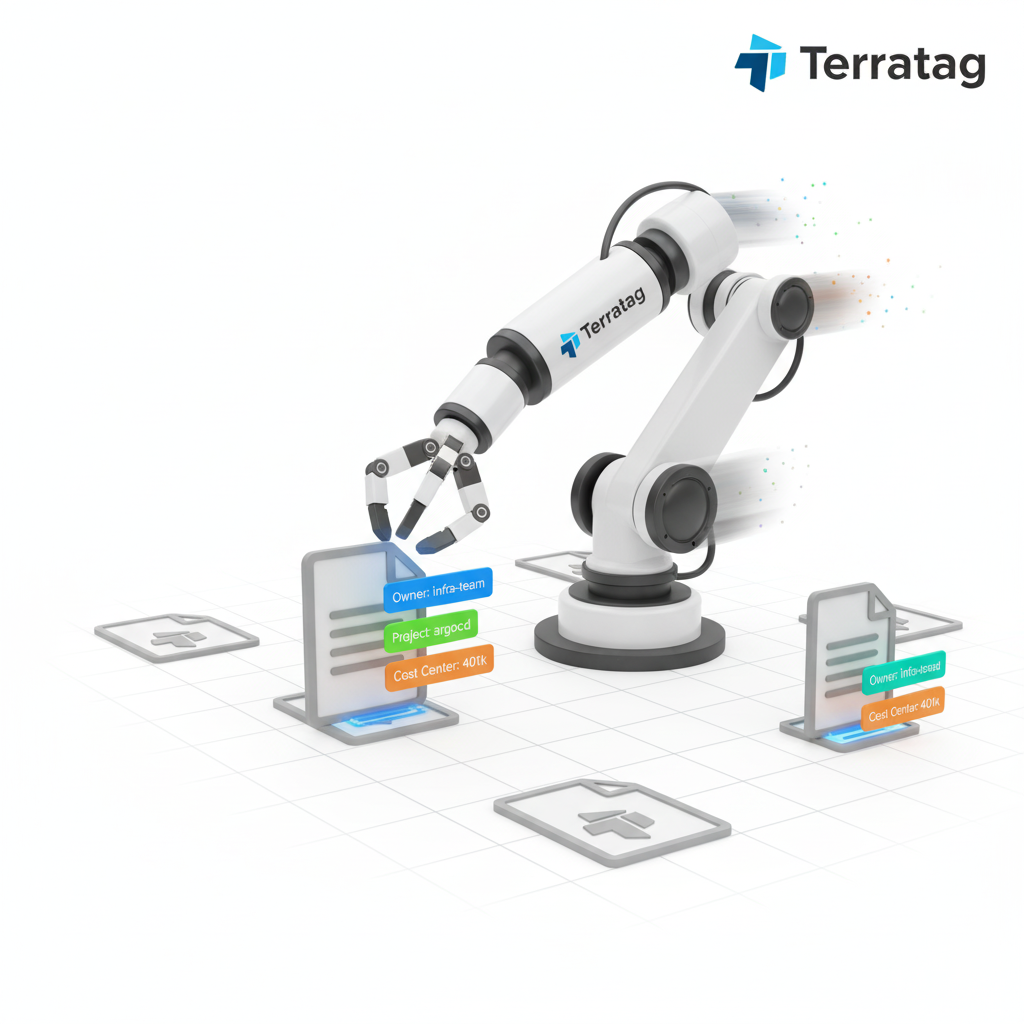
In any cloud environment, resource tagging is the foundational practice for achieving cost visibility and financial accountability. Tags are simple key-value pairs of metadata that you attach to your resources, but when used strategically, they unlock the ability to organize, manage, and allocate costs with precision. For teams using Terraform, implementing a robust tagging strategy is not just a best practice—it's essential for effective FinOps.
Why a Tagging Strategy is Crucial for Cost Management
Without a consistent tagging strategy, your cloud bill becomes an aggregated, opaque number that is difficult to decipher. A well-implemented strategy allows you to:
Allocate Costs: Associate resources with specific cost centers, projects, teams, or business units. This is the basis for showback and chargeback models.
Identify Waste: Filter and group resources to find optimization opportunities, such as idle or underutilized assets belonging to a specific team or environment.
Enable Automation: Use tags to drive automated actions, such as scheduling shutdowns for resources tagged with
env: developmentoutside of business hours.Improve Governance and Compliance: Mark resources that must adhere to specific compliance standards or data retention policies.
Core Principles of an Effective Tagging Strategy
Before diving into the implementation, it's important to define a clear and consistent strategy.
Consistency is Key: Use a standardized naming convention for your tag keys. Choose a case style (e.g.,
snake_caseorcamelCase) and stick to it. For example, consistently usecost-centerinstead of a mix ofCostCenter,cost_center, andcostcenter.Define Mandatory Tags: Identify a set of tags that must be applied to every taggable resource. A common baseline includes:
owner: The person or team responsible for the resource.project: The project or application the resource belongs to.environment: The deployment stage (e.g., dev, staging, prod).cost-center: The business unit or department to which the cost should be allocated.
Document Your Strategy: Maintain clear documentation that outlines your tagging conventions and the definitions for each key. This ensures that everyone in the organization understands and applies tags correctly.
Implementing Tagging in Terraform: Best Practices
Terraform provides several mechanisms to implement your tagging strategy efficiently and ensure its consistent application.
1. Leverage Provider-Level Default Tags
The most effective way to ensure broad tag coverage is to define default tags at the provider level. The AWS provider, for example, supports a default_tags block that automatically applies a set of tags to all supportive resources created within that provider configuration.
Terraform
provider "aws" {
  region = "us-east-1" [cite: 42]

  default_tags { [cite: 43]
    tags = { [cite: 44]
      ManagedBy   = "Terraform" [cite: 45]
      Environment = var.environment [cite: 46]
      Project     = "WebApp-Alpha" [cite: 47]
      Owner       = "Team-Phoenix" [cite: 48]
    } [cite: 44]
  } [cite: 50]
} [cite: 51]

resource "aws_instance" "web" { [cite: 52]
  ami           = "ami-0c55b2ab9799a9999" [cite: 53, 54]
  instance_type = "t3.micro" [cite: 55]
  # This resource will automatically receive all default tags. [cite: 56]

  # We can also add or override tags here. [cite: 57]
  tags = { [cite: 58]
    Name  = "web-server-prod" [cite: 59]
    Owner = "jane-doe" // This will override the default Owner tag [cite: 60]
  } [cite: 61]
} [cite: 62]
Using default_tags follows the DRY (Don't Repeat Yourself) principle and is the simplest way to enforce your baseline tagging policy across an entire Terraform project.
2. Use Modules to Standardize Tags
For more complex organizations, encapsulating tagging logic within reusable Terraform modules is a powerful approach. You can create a module that provisions a resource and includes a standardized set of tags as input variables.
Terraform
# modules/ec2-instance/main.tf [cite: 71]
resource "aws_instance" "this" { [cite: 72]
  ami           = var.ami [cite: 73, 74]
  instance_type = var.instance_type [cite: 75]

  tags = merge( [cite: 76]
    { [cite: 77]
      Name = var.name [cite: 78]
    }, [cite: 79]
    var.custom_tags [cite: 80]
  ) [cite: 81]
} [cite: 82]

# root/main.tf [cite: 83]
module "web_server" { [cite: 84]
  source        = "./modules/ec2-instance" [cite: 86]
  name          = "web-server-prod" [cite: 87]
  ami           = "ami-0c55b2ab9799a9999" [cite: 88]
  instance_type = "t3.micro" [cite: 89]

  custom_tags = { [cite: 90]
    Environment = "production" [cite: 92]
    Owner       = "team-phoenix" [cite: 93, 94]
  } [cite: 91]
} [cite: 85]
This approach ensures that anyone using the module adheres to a consistent tagging structure, while still allowing for custom, resource-specific tags to be added.
Open-Source Tools for Automated Tagging
While native Terraform features are powerful, maintaining tags across hundreds of existing Terraform files can be a challenge. Open-source CLI tools have emerged to automate this process at scale.
Terratag
Terratag is a popular open-source CLI tool from env0 that automatically creates and maintains tags across an entire set of Terraform files for AWS, Azure, and GCP.
How it Works: You run Terratag against your Terraform directory, passing in the tags you want to apply as arguments. The tool parses all
.tffiles and injects the specified tags into every taggable resource block, creating new*.terratag.tffiles with the updated configurations.Shell
terratag --dir=./infra --tags='{"environment": "production", "project": "Project-X"}' [cite: 105]Why it's Useful: Terratag is excellent for bulk-updating existing IaC repositories to conform to a new tagging standard. By running it as a pre-commit hook or a step in your CI/CD pipeline, you can dynamically inject tags and ensure that no resource is deployed without the proper metadata.
Terratags
Not to be confused with Terratag, Terratags is another lightweight, open-source tool focused specifically on validating and enforcing tagging standards for AWS resources in Terraform.
How it Works: Instead of adding tags, Terratags validates them. You provide it with a configuration file defining your required tags. It then scans your Terraform files or plan output and generates a compliance report, highlighting any resources that are missing the required tags.
Why it's Useful: Terratags acts as a linter or a policy check for your tagging strategy. It can be integrated into a CI/CD pipeline to fail a build if tag compliance is not met, serving as an effective governance gate before deployment.
Conclusion
A disciplined tagging strategy is non-negotiable for effective cloud cost management. Terraform provides powerful native features like default_tags and modules to build a consistent and scalable tagging framework from the ground up. For existing projects or for organizations looking to automate tag maintenance and validation at scale, open-source tools like Terratag and Terratags offer invaluable capabilities. By combining a clear, documented strategy with these technical implementations, you can transform your cloud resources from an undifferentiated mass into a well-organized, analyzable, and financially transparent portfolio.
All in One Place
Atler Pilot decodes your cloud spend story by bringing monitoring, automation, and intelligent insights together for faster and better cloud operations.