
The AWS Shared Responsibility Model
The foundation of securing Amazon Web Services begins with understanding the AWS Shared Responsibility Model. It dictates a simple boundary: AWS is responsible for the security of the cloud, and the customer is responsible for security in the cloud.
AWS secures the physical data centers, the hardware, and the hypervisor. They guarantee that Tenant A cannot access the memory space of Tenant B at the hardware level. However, if Tenant A provisions an S3 bucket and configures the permissions to allow public access to sensitive data, AWS will execute that command flawlessly. That data breach is entirely the responsibility of the customer.
Securing AWS requires configuring a complex ecosystem of identity, networking, and monitoring tools. This guide outlines the tactical best practices required to build a hardened AWS architecture in 2026.
Foundation: Organizations and SCPs
Operating a single, massive AWS account is a security anti-pattern. The blast radius of a compromised account is 100%. Modern AWS architecture relies on a multi-account strategy governed by AWS Organizations.
Isolate workloads by creating separate accounts for Production, Staging, Development, and a dedicated Security account (for centralized logging and monitoring). If the Development account is breached, the Production environment remains isolated.
The ultimate governance tool within Organizations is the Service Control Policy (SCP). SCPs act as guardrails that cannot be overridden, even by an account administrator. Critical SCPs every organization should deploy include:
Deny root user access: Prevent the root user from taking any actions.
Restrict Regions: Deny all actions in AWS regions where the company does not operate, preventing attackers from spinning up massive crypto-mining fleets in obscure regions.
Protect Security Services: Deny the ability to disable AWS CloudTrail, GuardDuty, or AWS Config.
AWS IAM: Roles Over Users
As detailed in the Cloud IAM Guide, static access keys are the primary vector for cloud breaches. The core directive for AWS Identity and Access Management is:
Use Roles, Not Users.
Integrate AWS IAM Identity Center (formerly AWS SSO) with your corporate Identity Provider (Okta, Entra ID). Human users authenticate via MFA and assume temporary roles. Similarly, EC2 instances, Lambda functions, and ECS tasks must all be assigned specific, least-privilege IAM Roles. Hardcoded AWS credentials should never exist in your source code or configuration files.
Detective Controls: GuardDuty and Security Hub
You cannot defend against threats you cannot see. AWS provides native, highly effective detective controls.
Amazon GuardDuty
GuardDuty is an intelligent threat detection service. It continuously analyzes VPC Flow Logs, CloudTrail events, and DNS logs using machine learning to identify anomalous behavior. It will alert you if an EC2 instance suddenly begins communicating with known command-and-control servers, or if an IAM role exhibits behavior consistent with credential exfiltration. GuardDuty must be enabled in every region, in every account.
AWS Security Hub
Security Hub aggregates alerts from GuardDuty, Amazon Inspector (vulnerability scanning), and Amazon Macie (sensitive data discovery) into a single pane of glass. More importantly, it continuously assesses your AWS accounts against security standards like the CIS AWS Foundations Benchmark, providing a continuous compliance score. It is the native equivalent of a basic CSPM tool.
Preventative Controls: AWS Config
While GuardDuty detects threats, AWS Config detects misconfigurations. AWS Config records the configuration state of your resources and evaluates them against predefined rules.
If a developer creates an S3 bucket without server-side encryption enabled, AWS Config detects the non-compliant state. Crucially, Config can trigger an automated remediation action via an SSM Automation document—immediately turning encryption back on without human intervention. This transitions your posture from detective (knowing you are vulnerable) to preventative (automatically fixing the vulnerability).
Data Protection: S3 and KMS
Protecting data in AWS centers on proper configuration of S3 and the Key Management Service (KMS).
S3 Block Public Access: Enable this setting at the account level. It overrides any individual bucket policies or ACLs, mathematically guaranteeing that no bucket in the account can be made public, regardless of developer error.
Customer Managed Keys (CMK): As explored in the Data Encryption Guide, use KMS Customer Managed Keys for sensitive data. This allows you to define explicit Key Policies, establishing a secondary layer of access control independent of IAM policies.
Network Security: VPCs and Endpoints
A secure Virtual Private Cloud (VPC) design minimizes external exposure.
Private Subnets: Databases, application servers, and internal APIs should reside in private subnets with no Route to an Internet Gateway (IGW). They should never possess public IP addresses.
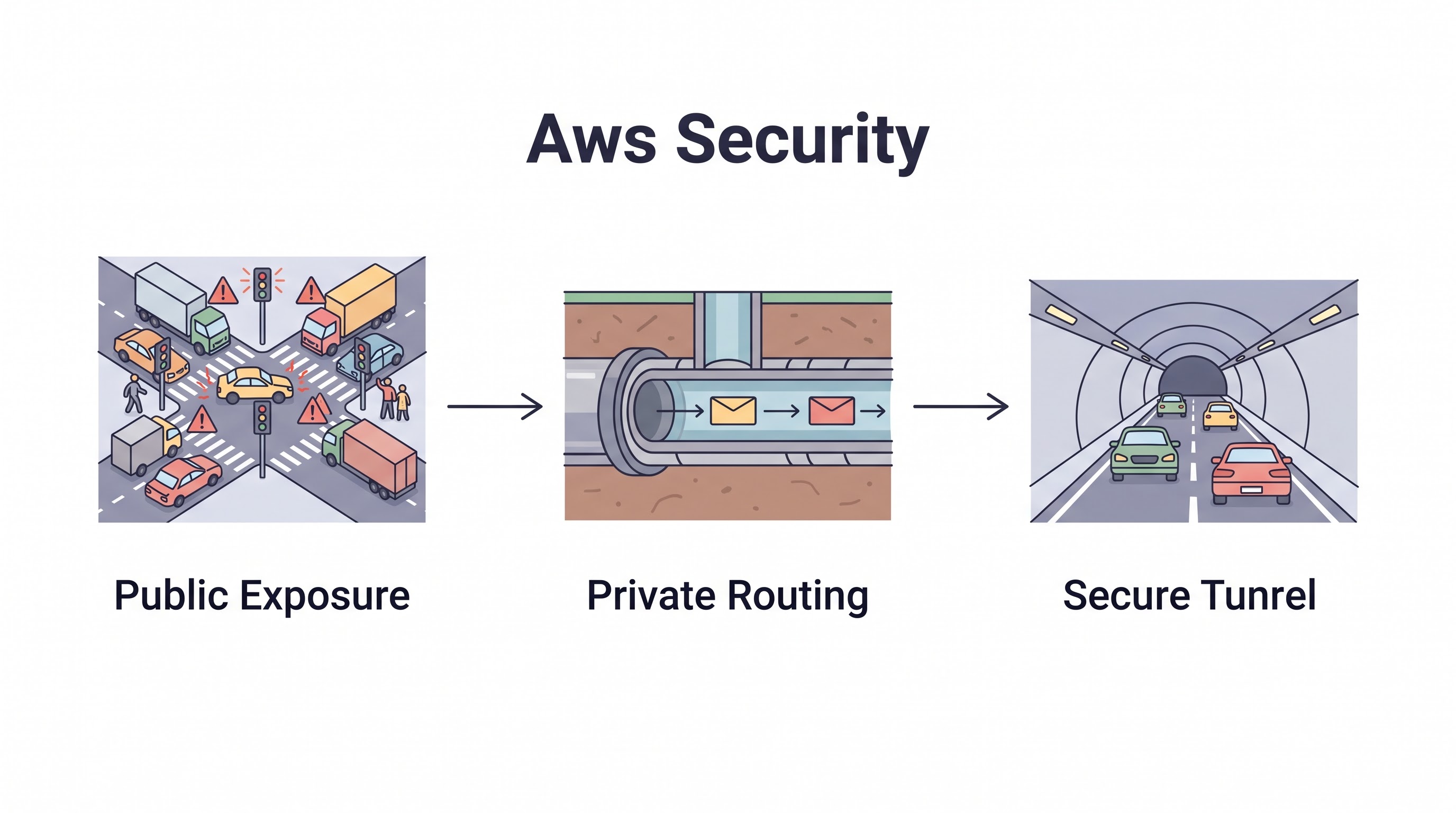
VPC Endpoints: If an EC2 instance in a private subnet needs to write to an S3 bucket or DynamoDB, do not route that traffic through a NAT Gateway to the public internet. Use VPC Endpoints (Gateway or Interface) to route the traffic privately across the AWS backbone, significantly improving security and reducing data transfer costs.
Security Group Hygiene: Security Groups must be explicitly scoped. Avoid
0.0.0.0/0for anything other than public Load Balancers. Instead of allowing IP ranges, configure Security Groups to reference other Security Groups (e.g., the Database SG only allows inbound traffic from the WebServer SG).
Automated Incident Response
When GuardDuty fires a critical alert, human reaction time is often too slow. AWS enables automated incident response through Amazon EventBridge.
If GuardDuty detects an EC2 instance communicating with a malicious IP, EventBridge can trigger a Lambda function that automatically applies an isolated Security Group to the instance, cutting off all network access while leaving the instance running for forensic analysis. This isolates the threat in seconds, minimizing the blast radius while the security team is paged.
Key Takeaway
Securing AWS requires moving beyond default configurations. Establish a multi-account architecture protected by strict Service Control Policies. Eliminate static access keys in favor of IAM Roles. Enable GuardDuty and Security Hub everywhere for continuous threat detection, and utilize AWS Config for automated remediation of misconfigurations. By combining these native services with strong VPC segmentation and KMS encryption, you fulfill your end of the Shared Responsibility Model.
All in One Place
Atler Pilot decodes your cloud spend story by bringing monitoring, automation, and intelligent insights together for faster and better cloud operations.