
The Google Approach to Security
Google Cloud Platform (GCP) was built on the same infrastructure that powers Google Search and YouTube. As a result, GCP's approach to security is heavily influenced by Google's own internal requirement to secure massive, globally distributed workloads against the world's most sophisticated threat actors.
GCP differentiates itself through "secure-by-default" engineering (e.g., encryption at rest is mandatory and cannot be disabled) and its pioneering work in Zero Trust architecture. However, GCP's identity model and networking structure differ significantly from AWS and Azure. Misunderstanding these differences is the primary cause of GCP misconfigurations.
This guide explores the specific architectural patterns and native tools required to secure a GCP environment in 2026.
Resource Hierarchy and Organizations
Security in GCP starts at the top. The GCP Resource Hierarchy is strictly structural: Organization > Folders > Projects > Resources.
Best Practice: Never operate GCP using standalone projects. Establish a GCP Organization tied to your Google Workspace or Cloud Identity domain. This allows you to apply Organization Policies at the root or folder level. Similar to AWS SCPs, Organization Policies set hard guardrails. You can mathematically restrict deployments to specific regions, disable the creation of external IP addresses for VMs, or mandate the use of specific encryption keys across hundreds of projects simultaneously.
GCP IAM: Roles and Service Accounts
GCP Identity and Access Management operates on "who" (Identity) can do "what" (Role) on "which" (Resource).
Avoid Basic Roles: GCP includes legacy Basic Roles (
Owner,Editor,Viewer). These are dangerously broad. AnEditoron a project can modify almost any resource within it. You must use Predefined Roles (e.g.,roles/compute.instanceAdmin) or create Custom Roles to enforce least privilege.Service Account Hygiene: Workloads authenticate using Service Accounts. Never download Service Account JSON keys unless absolutely necessary for an external system. For internal GCP workloads (Compute Engine, GKE, Cloud Run), attach the Service Account directly to the resource.
Workload Identity Federation: If a GitHub Actions pipeline needs to deploy to GCP, do not give it a static Service Account key. Use Workload Identity Federation to allow GitHub to exchange its OIDC token for a short-lived GCP access token.
Network Security: Global VPCs and Firewalls
Unlike AWS, a GCP Virtual Private Cloud (VPC) is a global resource. Subnets are regional.
Shared VPCs: For enterprise environments, utilize a Shared VPC. The central network/security team owns the Host Project (containing the VPC, subnets, and firewalls). Application teams own Service Projects, which attach to the Shared VPC. This enforces a strict separation of duties: developers can spin up VMs, but they cannot alter the firewall rules.
Identity-Aware Proxy (IAP): Never expose SSH (22) or RDP (3389) to the internet. Cloud IAP allows you to tunnel SSH/RDP traffic directly to VMs without requiring public IPs or legacy VPNs, governed by IAM permissions.
Data Exfiltration Prevention: VPC Service Controls
Even with perfect IAM and Firewalls, data exfiltration is a risk. If an attacker gains valid credentials, they can read data from a private Cloud Storage bucket and write it to their own personal GCP project.
VPC Service Controls (VPC SC) solves this. It creates a "secure perimeter" around GCP managed services (Cloud Storage, BigQuery, Spanner). It mathematically blocks any data from leaving the perimeter, even if the user possesses valid IAM credentials and the API call is authorized. VPC SC is arguably GCP's most powerful, and most complex, security feature, and is mandatory for highly regulated data.
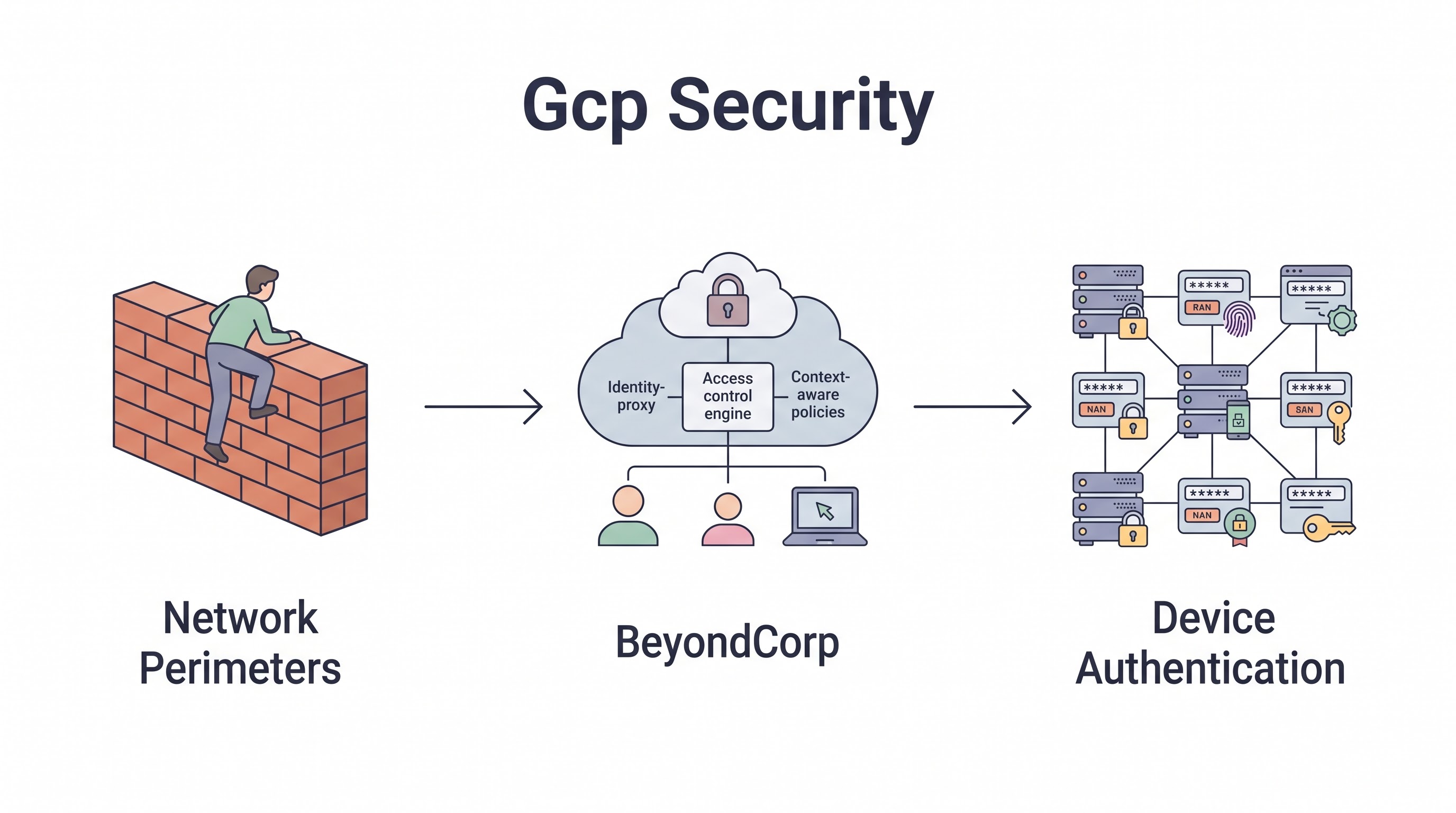
Zero Trust: BeyondCorp Enterprise
Google invented the BeyondCorp architecture, which catalyzed the industry's shift to Zero Trust. BeyondCorp Enterprise is the commercialization of this internal system.
It shifts access controls from the network perimeter to individual users and devices. When a user attempts to access an internal web application hosted on GCP, BeyondCorp evaluates the context: Who is the user? Are they using MFA? Is their laptop managed by corporate IT? Is the OS patched? Access is granted dynamically based on this context, completely eliminating the need for traditional corporate VPNs.
Security Command Center (SCC)
Security Command Center is GCP's native CSPM and threat detection platform.
Security Health Analytics: Continuously scans the GCP hierarchy for misconfigurations (e.g., public buckets, open firewalls, lack of MFA) and maps them to CIS benchmarks.
Event Threat Detection: Ingests Google Cloud Audit Logs and VPC Flow Logs, using Google's threat intelligence to detect compromised credentials, cryptocurrency mining, and anomalous network behavior.
Web Security Scanner: Automatically crawls public-facing App Engine, GKE, and Compute Engine web applications to detect vulnerabilities like XSS and outdated libraries.
Key Takeaway
Securing GCP requires leveraging its unique global networking and identity models. Establish strict boundaries using Organization Policies and Shared VPCs. Implement VPC Service Controls to create impenetrable perimeters around sensitive data like BigQuery datasets. Finally, utilize Security Command Center for continuous threat detection, and embrace BeyondCorp Enterprise to move your organization toward a true Zero Trust posture.
All in One Place
Atler Pilot decodes your cloud spend story by bringing monitoring, automation, and intelligent insights together for faster and better cloud operations.