
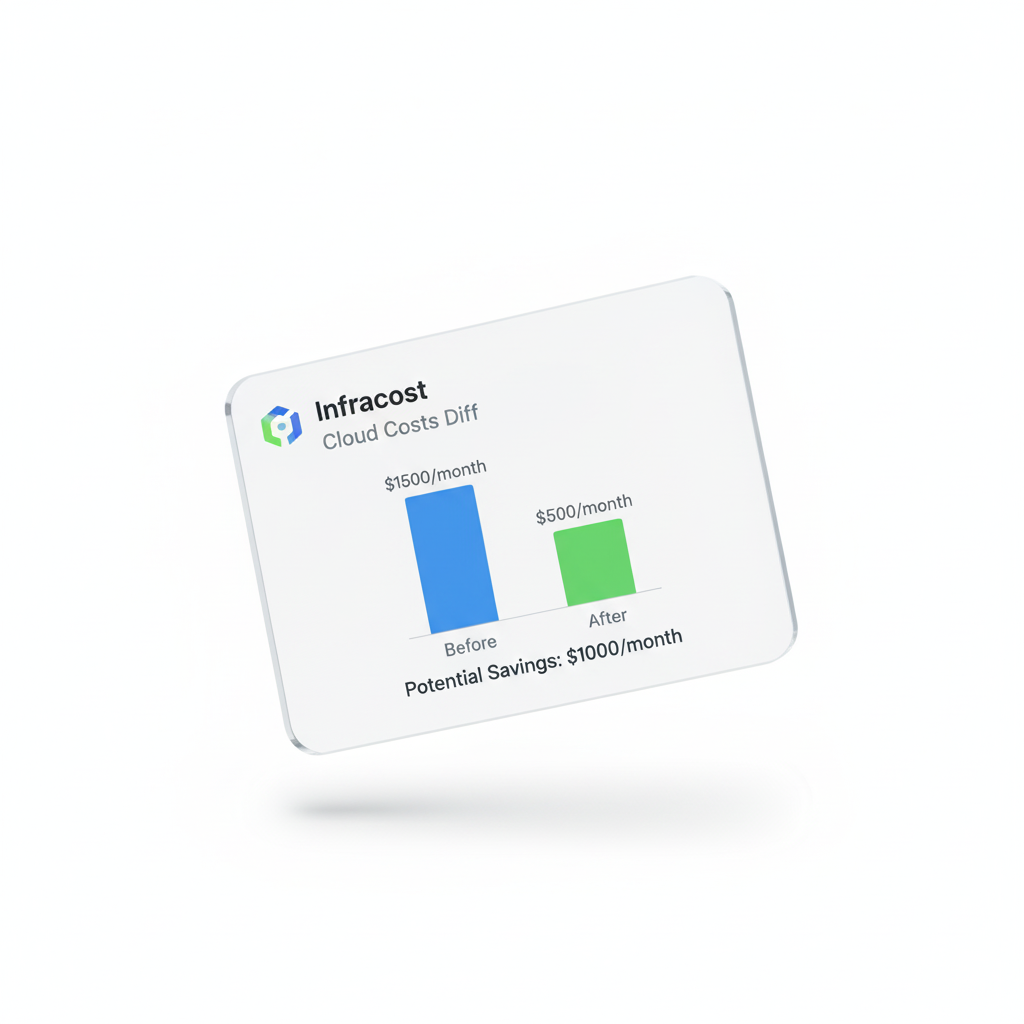
Why Every Terraform User Needs Cost Estimation
Here's a scenario that happens every week on platform engineering teams: a developer opens a PR to upgrade an RDS instance type. The PR looks clean. Reviewers approve it. It gets merged and applied. Next billing cycle, the cloud spend is up 40%.
What happened? The instance type was in the same family but a different tier. An m5.large became an r5.4xlarge by accident. Without cost estimation in the PR workflow, nobody caught it.
Infracost solves this. It analyzes your Terraform plan and generates a cost estimate — specifically a diff showing how much your changes will add to or subtract from your monthly bill. It runs in CI/CD and posts results as a PR comment so reviewers see the financial impact alongside the code change.
If you want a comparison of Infracost against alternative tools, read our comprehensive Infracost alternatives review.
Quick Context
Infracost is open-source (MIT license) with an optional cloud dashboard. The core CLI is free. The commercial features (team dashboards, Jira integration, SSO) require a paid plan. This guide focuses on the free functionality, which is sufficient for most teams.
How Infracost Works
Understanding the mechanics helps you use Infracost more effectively and interpret its output correctly. When you run Infracost, it does three things:
Parses your Terraform plan JSON — specifically the planned resource changes, not your HCL source files
Looks up prices from the Infracost cloud pricing API — which aggregates pricing data from AWS, GCP, and Azure into a structured database
Calculates estimated monthly costs — based on the resource configuration in the plan, applying usage assumptions for usage-based pricing
The dependency on the Terraform plan is important: Infracost needs a complete plan to work, not just your Terraform source. This means terraform plan -out=tfplan.json is a prerequisite step.
What Infracost Can and Can't Price
Infracost covers the most common resources accurately — EC2, RDS, EKS, S3, Lambda, and hundreds more. But there are gaps:
Usage-based resources (Lambda invocations, S3 requests, data transfer) require you to provide usage estimates — Infracost can't know how much data your S3 bucket will serve
Recently released services sometimes lag behind in Infracost's pricing database
Reserved Instance and Savings Plan discounts are not reflected by default — you always see on-demand pricing unless you configure otherwise
Installing and Running Infracost Locally
# Install on macOS
brew install infracost
# Install on Linux
curl -fsSL https://raw.githubusercontent.com/infracost/infracost/master/scripts/install.sh | sh
# Authenticate (required — creates a free account)
infracost auth login
# Run a cost estimate against your Terraform directory
infracost breakdown --path .
The breakdown command gives you a full cost table for your current infrastructure. More useful for day-to-day workflow is the diff command, which shows the change in cost between two states:
# Generate plan JSON (required for infracost diff)
terraform plan -out=tfplan.binary
terraform show -json tfplan.binary > plan.json
# Show cost diff between current state and planned changes
infracost diff --path plan.json
Here's what the output looks like for a plan that changes an RDS instance type:
Project: my-infrastructure
────────────────────────────────────────────────────────────────
aws_db_instance.main
Instance type (m5.large → r5.4xlarge)
├─ Database instance (on-demand) 730 hrs $64 → $1,168
└─ Storage (gp2, 100 GB) 100 GB $11.50
────────────────────────────────────────────────────────────────
MONTHLY COST CHANGE +$1,105
────────────────────────────────────────────────────────────────
That $1,105/month increase appears as a red flag in a PR comment, prompting the developer to double-check whether an r5.4xlarge was truly intended.
Integrating Infracost into GitHub Actions
The real power comes from CI/CD integration. When Infracost runs on every PR and posts a comment with the cost impact, the entire team gets cost visibility without any extra effort.
# .github/workflows/infracost.yml
name: Infracost Cost Estimate
on:
pull_request:
paths:
- '**.tf'
- '**.tfvars'
jobs:
infracost:
runs-on: ubuntu-latest
permissions:
contents: read
pull-requests: write # Required for PR comments
steps:
- name: Check out repository
uses: actions/checkout@v4
- name: Setup Infracost
uses: infracost/actions/setup@v3
with:
api-key: ${{ secrets.INFRACOST_API_KEY }}
- name: Run Infracost
run: |
infracost breakdown \
--path . \
--format json \
--out-file /tmp/infracost.json
- name: Post PR comment
uses: infracost/actions/comment@v3
with:
path: /tmp/infracost.json
behavior: update # Update existing comment, don't create new ones
Security Note
Store your Infracost API key as a GitHub Actions secret, never hardcoded. If you're in a regulated environment where Terraform plan data cannot be sent to external services, either self-host the Infracost pricing API or use OpenInfraQuote instead. See our Infracost alternatives guide for the self-hosting option.
Handling Usage-Based Resources
Many AWS resources are priced based on usage, not configuration. Lambda functions, S3 buckets, API Gateway — Infracost can't know how much traffic they'll receive. For these, you provide estimates in a infracost-usage.yml file:
# infracost-usage.yml
version: 0.1
resource_usage:
aws_lambda_function.my_function:
monthly_requests: 1000000
request_duration_ms: 200
aws_s3_bucket.assets:
monthly_get_requests: 500000
monthly_put_requests: 10000
storage_gb: 100
aws_nat_gateway.main:
monthly_data_processed_gb: 500 # Estimate your traffic
Note the NAT Gateway entry. If you don't provide usage data, Infracost only shows the hourly charge (~$32/month). The real cost with high-traffic workloads can be 10–20x higher. See our NAT Gateway cost guide for how to estimate your monthly_data_processed_gb correctly.
Cost Policies: Blocking Expensive PRs
The most mature Infracost deployments don't just report costs — they enforce budgets. Using Infracost's policy checking with OPA (Open Policy Agent), you can block PRs that would increase monthly costs above a threshold:
# infracost-policy.rego
package infracost
deny[msg] {
to_number(input.projects[_].diff.totalMonthlyCost) > 1000
msg = sprintf(
"Cost increase of $%v/month exceeds $1,000 limit. Please review.",
[input.projects[_].diff.totalMonthlyCost]
)
}
For a deeper comparison of Infracost policy enforcement vs. HashiCorp Sentinel and OPA, read our post on Terraform Sentinel vs. OPA: Policy-as-Code for Cloud Security.
Advanced Patterns
Multi-Module Repositories (Terragrunt)
If you're using Terragrunt to manage multiple Terraform modules, use Infracost's Terragrunt support to generate a unified cost report across all modules:
# Generate cost for all Terragrunt modules
infracost breakdown \
--path . \
--config-file infracost.yml \
--format json \
--out-file /tmp/infracost.json
Tag-Based Cost Attribution
Use Infracost's output to validate that all resources have required cost allocation tags before deployment. This is especially useful for organizations that do internal chargebacks by team or product:
# Find resources missing required CostCenter tag
cat /tmp/infracost.json | jq '[
.projects[].breakdown.resources[] |
select(.tags.CostCenter == null) |
{name: .name, cost: .monthlyCost}
]'
Limitations and When to Go Beyond It
Infracost is excellent for what it does, but it has meaningful limitations for mature FinOps programs:
It only sees what's in Terraform. Resources created via Console, SDK, or CloudFormation are invisible to it.
It shows estimates at plan time, but doesn't track whether actual spending matched the estimate.
It doesn't help you understand existing spend — only planned changes.
Teams that graduate beyond Infracost typically need a platform that combines IaC cost estimation with actual spend tracking, anomaly detection, and multi-team governance. CloudAtler's Financial Command Center and Budget Forecasting features are designed for this next level of cloud financial management.
If you're evaluating which tool fits your current stage, our complete alternatives comparison maps tools to organizational maturity stages.
Practical Tip
Run Infracost in estimate mode for a month to calibrate. Compare its monthly estimates against your actual AWS bills. If estimates are consistently 30–40% lower (common for usage-heavy workloads), improve your usage file estimates. Accuracy improves significantly with good usage data.
All in One Place
Atler Pilot decodes your cloud spend story by bringing monitoring, automation, and intelligent insights together for faster and better cloud operations.